


Task fragmentation remains one of the most persistent obstacles to productive teamwork. When assignments scatter across spreadsheets, messaging threads, and informal notes, accountability weakens and delivery timelines become unpredictable. The right task management platform centralizes this complexity into a single source of truth.
This evaluation covers 16 task management solutions suited to different organizational contexts:
- ONES
- ClickUp
- Asana
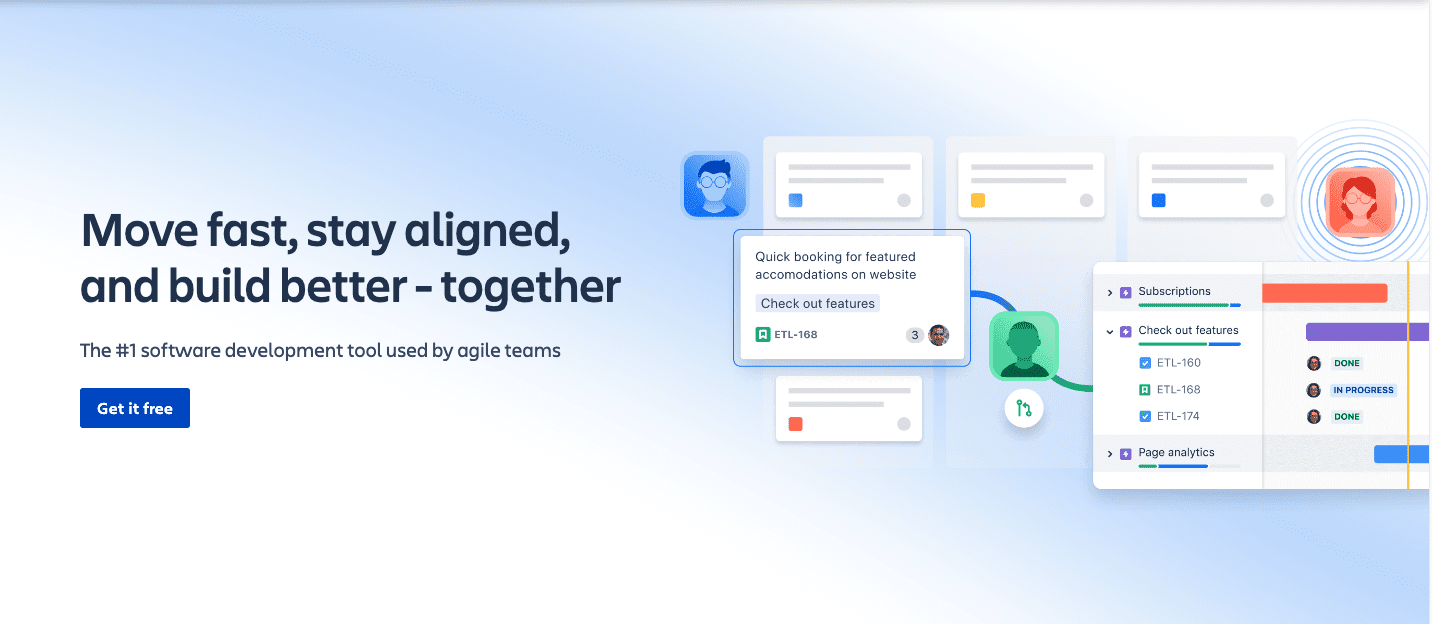
- Jira
- Monday.com
- Trello
- Hive
- MeisterTask
- nTask
- ZenHub
- Zoho Projects
- Wrike
- Todoist
- ProofHub
- Smartsheet
- Any.do
Each entry includes the operational scenarios where it excels, pricing structure, and structural limitations to consider.
Quick Comparison: 16 Task Management Tools at a Glance
| Tool | Primary Use Case | Free Tier | Starting Price |
|---|---|---|---|
| ONES | Enterprise R&D and cross-functional delivery | Available | Custom enterprise pricing |
| ClickUp | General-purpose task management | Free Forever | $7/user/month |
| Asana | Distributed and remote teams | Up to 10 users | $10.99/user/month |
| Jira | Technical and development teams | Up to 10 users | $8.15/user/month |
| Monday.com | Marketing operations and PMO | Up to 2 users | $9/user/month |
| Trello | Small team coordination | Available | $5/user/month |
| Hive | Multi-layered collaboration | Available | $5/user/month |
| MeisterTask | Kanban-centric workflows | Available | $6.50/user/month |
| nTask | Scheduling and meeting management | 7-day trial | $3/user/month |
| ZenHub | Software delivery within GitHub | 14-day trial | $8.33/user/month |
| Zoho Projects | Complex multi-phase projects | Up to 3 users | $4/user/month |
| Wrike | Scalable workflow orchestration | Available | $9.80/user/month |
| Todoist | Budget-conscious teams and individuals | Available | $4/user/month |
| ProofHub | Detailed task-level tracking | None | $45/month flat |
| Smartsheet | Spreadsheet-adaptable project views | Up to 2 editors | $7/user/month |
| Any.do | Personal and lightweight team lists | Available | $2.99/user/month |
How to Evaluate Task Management Software
Selection should proceed from operational reality rather than feature checklists. Before engaging vendors, document your current workflow friction points: where tasks stall, where context gets lost, and where reporting consumes disproportionate effort.
Assess candidates against these dimensions:
- Organizational scale: User thresholds, permission granularity, and structural flexibility for departments or subsidiaries
- Work complexity: Support for dependencies, approval gates, and cross-functional handoffs versus simple list management
- Visualization requirements: Availability of Kanban, timeline, calendar, and tabular perspectives with easy switching
- Communication patterns: Integration with existing channels and capacity for threaded, task-linked discussion
- Automation scope: No-code or low-code capacity for status transitions, notifications, and recurring workflows
- Operational visibility: Native reporting on throughput, cycle duration, and resource loading without external manipulation
- Technical ecosystem: Reliable connectors for calendars, repositories, CRM systems, and documentation platforms
- Adoption trajectory: Time-to-competency for new participants measured against real pilot projects
- Governance architecture: Administrative controls, audit capabilities, and compliance certifications for regulated industries
- Total cost trajectory: Per-seat pricing projected against headcount growth and consolidation benefits
Detailed Reviews: 16 Task Management Platforms
1. ONES — Enterprise R&D and Delivery Orchestration
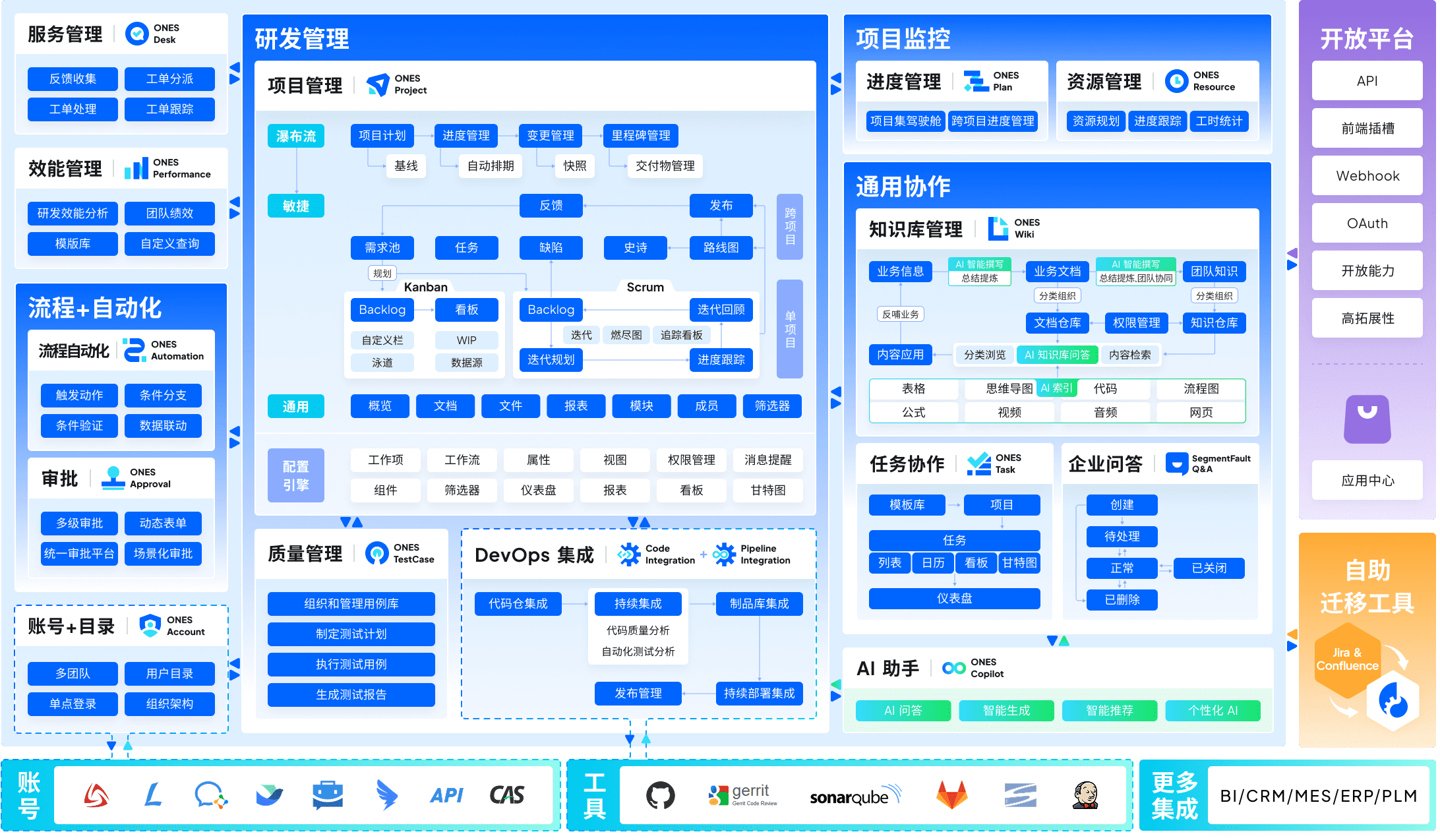
ONES occupies a distinctive position as a unified platform engineered specifically for enterprise research and development operations. Where many tools assemble capabilities through acquisition or superficial integration, ONES constructs project management, requirements documentation, knowledge repositories, test management, continuous delivery pipelines, and source control within a coherent architectural foundation.
The platform addresses a critical failure mode in large technical organizations: tool fragmentation that obscures traceability from business requirements through deployment. By maintaining unified data models across these domains, ONES enables organizations to follow a feature request from initial concept through specification, implementation, verification, and release without context switching or manual reconciliation.
For governance at scale, ONES provides sophisticated workflow configuration, granular permission frameworks, and cross-team coordination mechanisms suited to matrixed structures. The platform particularly emphasizes engineering effectiveness measurement—surfacing metrics around delivery velocity, quality indicators, and efficiency trends that support data-informed process refinement rather than intuition-driven management.
Organizations with fewer than fifty technical contributors may find the capability depth exceeds immediate requirements. Implementation investment correlates with organizational complexity; teams seeking minimal-configuration deployment should assess readiness for structured adoption.
2. ClickUp — Versatile General-Purpose Management
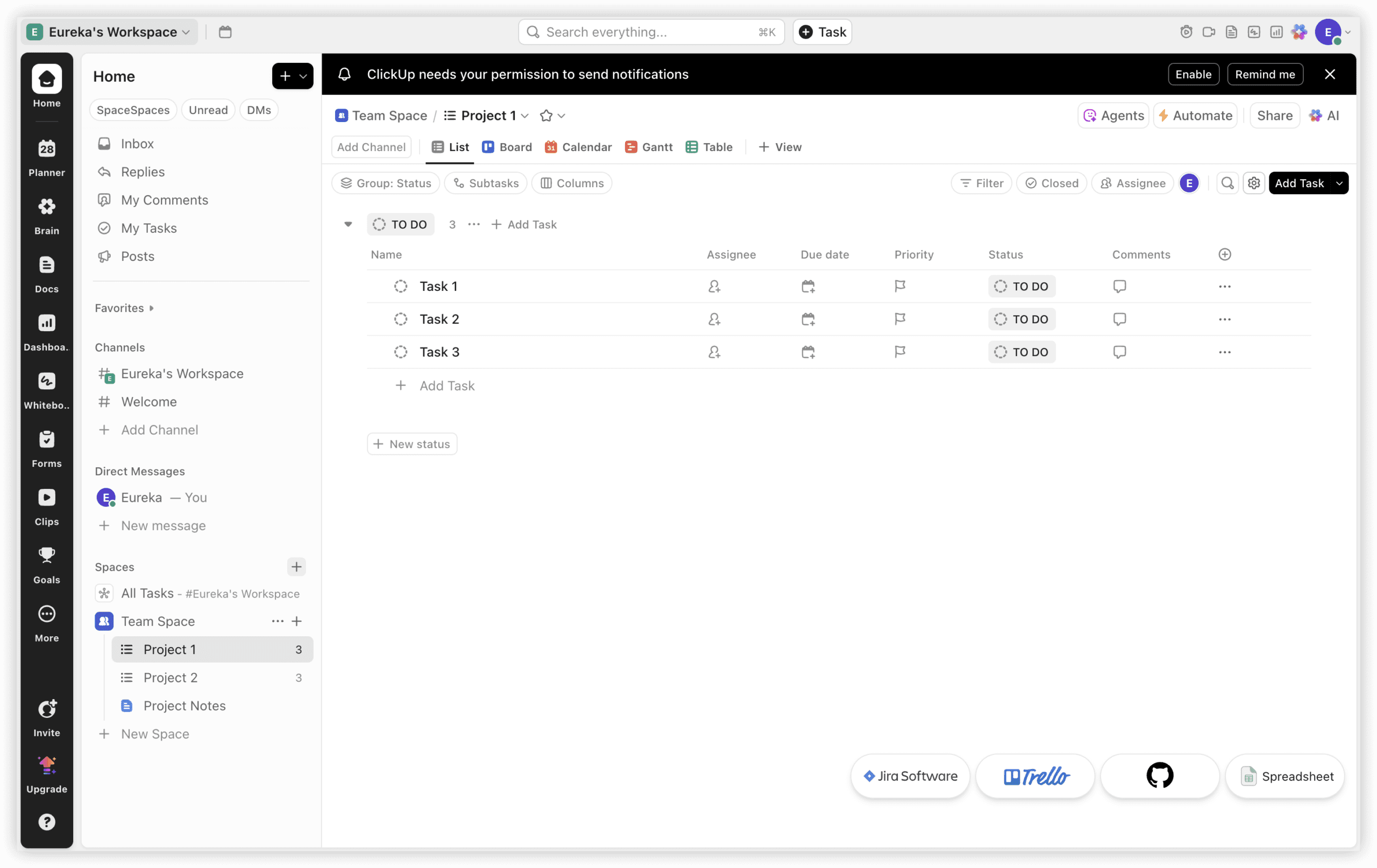
ClickUp pursues comprehensiveness as its central design principle, offering configurable environments adaptable to diverse operational styles. The platform supports list, board, timeline, calendar, and workload perspectives with substantial customization of fields, statuses, and automation rules.
Native AI assistance through ClickUp Brain connects tasks, documents, and conversations to generate summaries, populate task details from messages, and respond to natural language queries about project state. Chat functionality integrates directly with task contexts, reducing the fragmentation between discussion and execution.
The breadth of capability introduces corresponding complexity. Teams must invest in structural design to prevent configuration sprawl. The Free Forever tier accommodates small teams with basic requirements; paid tiers unlock advanced automation, time tracking, and administrative controls.
3. Asana — Distributed Team Coordination
Asana emphasizes clarity in remote and asynchronous workflows. The interface prioritizes intuitive navigation with minimal training overhead, making it suitable for organizations with varied technical proficiency across contributors.
Portfolio views provide executive visibility across multiple initiatives without requiring drill-down into individual task details. Workflow builder supports conditional logic for routing and approval processes. Timeline and calendar perspectives assist dependency management for cross-functional initiatives.
Advanced features including workload management, custom rules builder, and proofing require Business or Enterprise tiers. The free tier accommodates up to ten users with basic task and project functionality.
4. Jira — Technical Team Specialization
Jira remains the established standard for software development tracking, built around issue types, workflows, and field configurations that mirror engineering practice. Deep integration with development tools—repositories, CI/CD pipelines, and monitoring systems—creates traceability from code commit through deployment.
Configuration flexibility accommodates varied agile methodologies and compliance requirements. However, this adaptability demands administrative expertise; teams without dedicated platform management resources often accumulate technical debt in their Jira implementations.
Cloud and Data Center deployment options address different security and performance requirements. The free tier serves up to ten users; scaling introduces per-seat costs that escalate with advanced features.
5. Monday.com — Marketing and PMO Operations
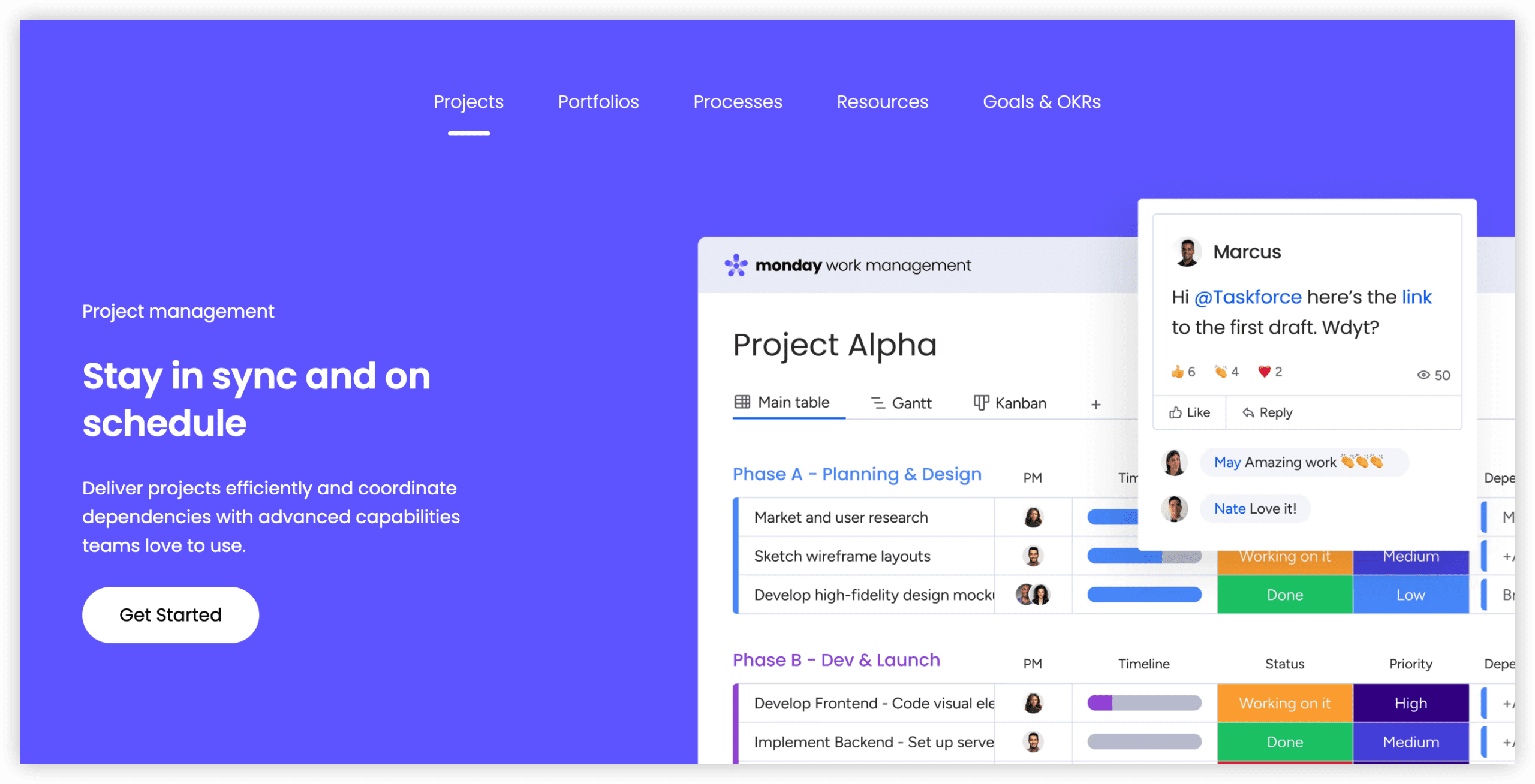
Monday.com distinguishes itself through visual presentation and rapid board assembly. Color-coded status columns, automatable notification triggers, and template galleries enable quick deployment for campaign management, content calendars, and portfolio oversight.
The platform’s strength in marketing contexts derives from stakeholder-friendly reporting and low-friction status sharing. Dashboard assembly requires minimal technical skill, enabling PMO functions to distribute visibility without dedicated analyst support.
Work management, sales CRM, and development product variants address specific departmental needs with differentiated pricing. The free tier restricts usage to two seats, making team evaluation difficult without trial commitment.
6. Trello — Lightweight Team Organization
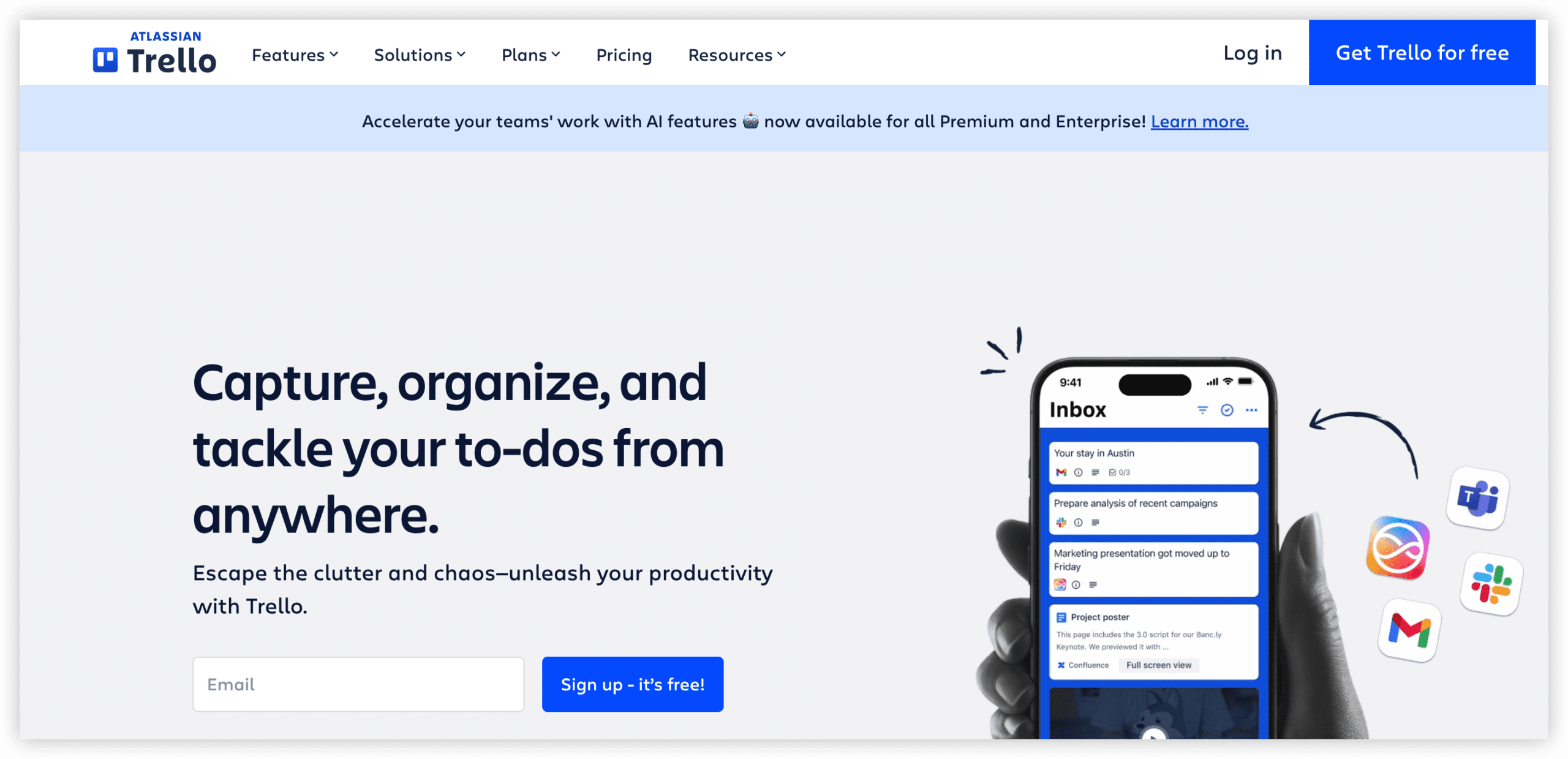
Trello’s card-based Kanban implementation prioritizes immediacy over sophistication. Boards, lists, and cards create a shallow learning curve suitable for teams transitioning from informal task tracking or requiring minimal process overhead.
Power-Ups extend core functionality with calendar views, automation rules, and third-party integrations. Butler automation enables rule-based card movement and notification without external tools.
The simplicity that enables rapid adoption constrains scalability. Complex dependencies, cross-project reporting, and advanced resource management require migration to more capable platforms as operational maturity increases.
7. Hive — Multi-Layered Collaborative Environments
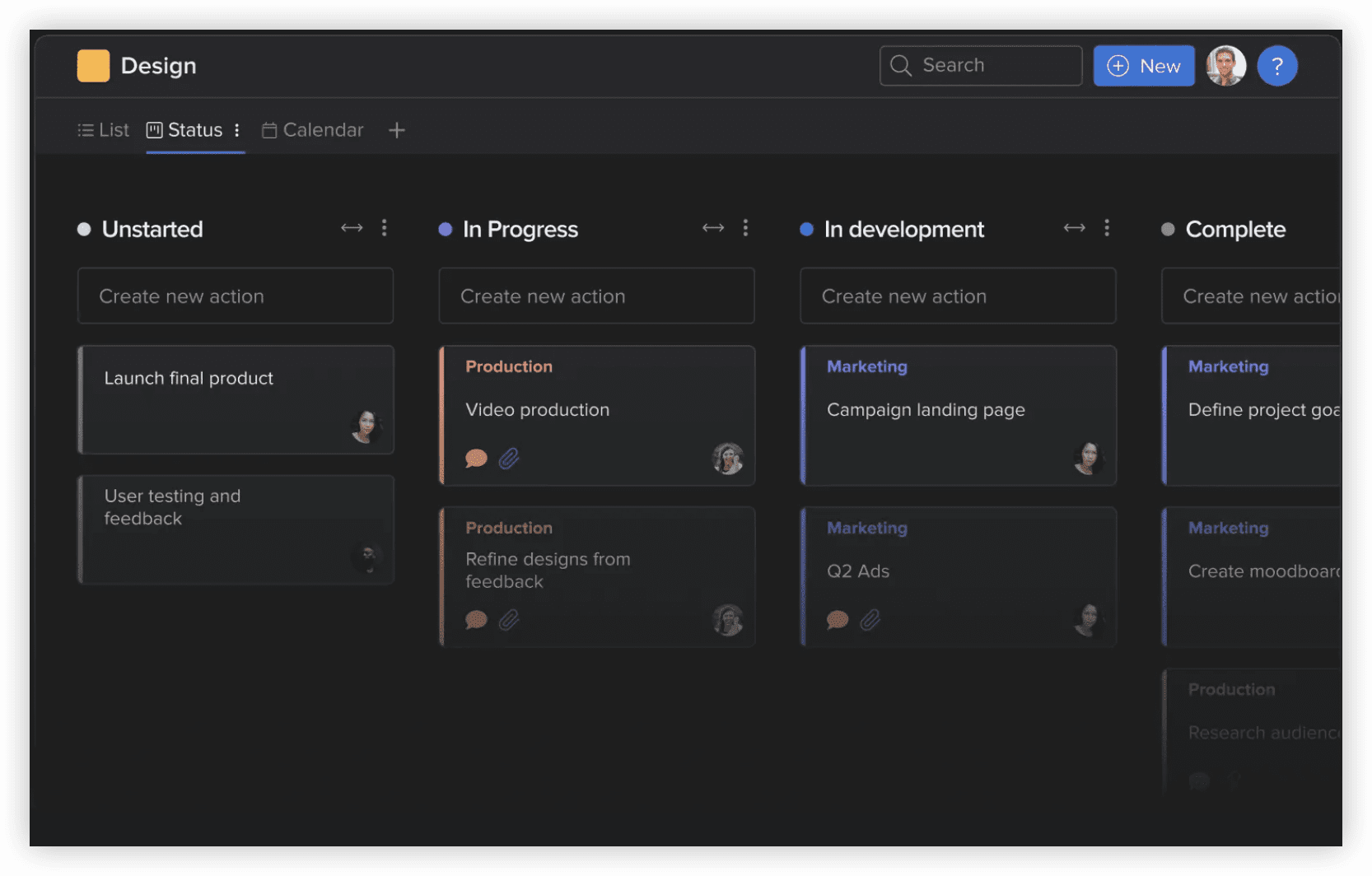
Hive structures work around flexible project views with embedded analytics and proofing capabilities. Action cards support subtasks, dependencies, and time estimates with multiple visualization options including Gantt and portfolio perspectives.
Native resourcing tools and timesheet functionality reduce the need for separate capacity management systems. Hive Analytics provides project health indicators and team productivity metrics without external business intelligence tools.
The platform suits organizations seeking consolidated collaboration without extensive integration architecture. Some users report interface density that increases cognitive load compared to more streamlined alternatives.
8. MeisterTask — Kanban-Centric Discipline
MeisterTask extends from MindMeister’s mind mapping heritage, offering visual task boards with section-based workflow stages. Automation rules trigger actions on card movement, and checklist items support granular progress tracking within tasks.
The Timeline feature adds Gantt-style dependency visualization for projects requiring sequential planning. Integration with the MindMeister ecosystem supports ideation-to-execution workflows for creative and strategic processes.
Capability depth trails comprehensive platforms; organizations requiring advanced portfolio management or financial tracking should evaluate fit carefully.
9. nTask — Scheduling and Meeting Integration
nTask converges task management with meeting facilitation, risk tracking, and issue logging. Meeting modules support agenda creation, minute distribution, and action item extraction with automatic task generation.
Risk and issue registers provide project management office functionality rarely present at this price tier. Timesheet and resource allocation features support basic capacity planning.
The platform serves teams seeking unified meeting and task workflows without enterprise investment. Interface refinement and mobile experience lag category leaders.
10. ZenHub — GitHub-Native Development Management
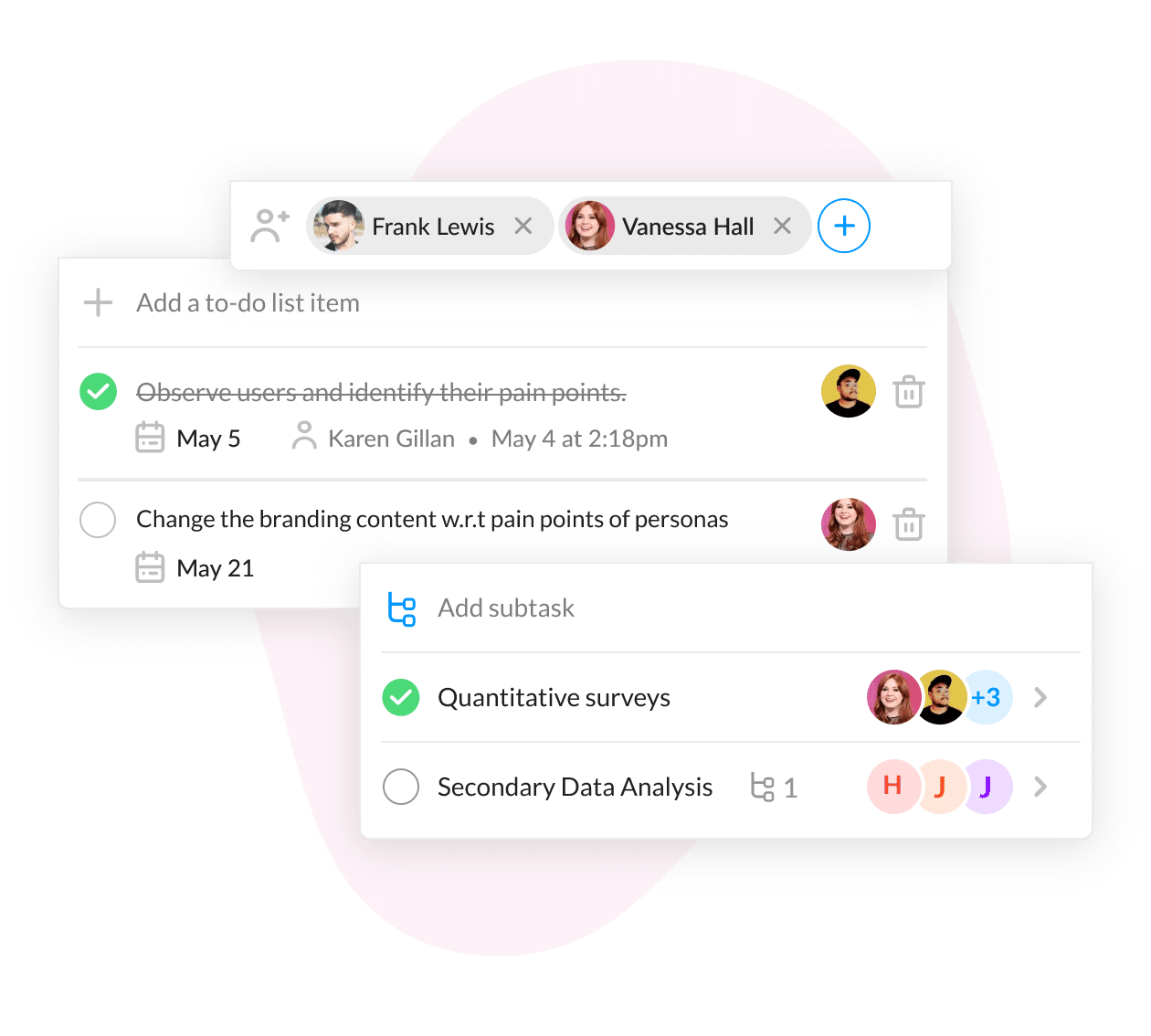
ZenHub operates as a layer above GitHub, converting issues and pull requests into agile planning artifacts without repository migration. Workspaces, sprints, and burndown charts overlay existing development data.
This architecture eliminates synchronization overhead for GitHub-centric engineering organizations. Automated sprint planning and dependency mapping reduce manual overhead in release preparation.
The tight GitHub coupling excludes teams using alternative version control systems or requiring broader business process integration outside software delivery.
11. Zoho Projects — Complex Multi-Phase Delivery
Zoho Projects provides structured project methodologies with task hierarchies, milestone tracking, and critical path analysis. Blueprints enforce standardized workflows with conditional transitions and approval gates.
Integration with Zoho’s business application ecosystem—including CRM, finance, and HR modules—supports end-to-end process coverage for organizations already committed to that platform.
The interface reflects functional completeness rather than contemporary design standards. Mobile experience and real-time collaboration capabilities trail newer entrants.
12. Wrike — Scalable Workflow Engineering
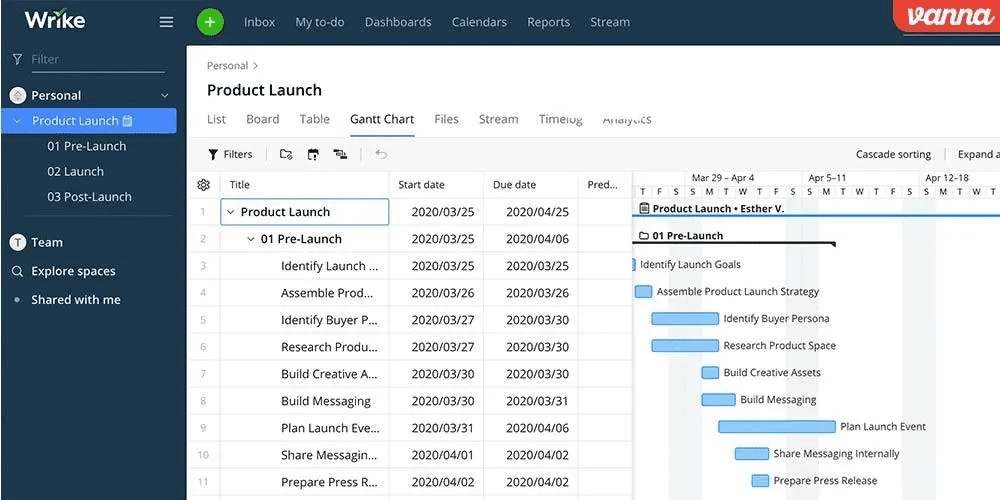
Wrike offers enterprise-grade work management with custom request forms, proofing and approval workflows, and resource management. Space-based organization supports departmental autonomy with consolidated executive visibility.
Advanced analytics and custom report builders address sophisticated measurement requirements. The platform accommodates complex organizational structures with nested folders, permission inheritance, and cross-functional sharing.
Implementation complexity and pricing escalation at scale require deliberate architectural planning. Smaller teams may find the capability surface excessive for immediate needs.
13. Todoist — Accessible Individual and Small Team Productivity
Todoist focuses on frictionless capture and organization across personal and shared contexts. Natural language parsing converts “Submit report every Friday at 3pm” into scheduled recurring tasks without explicit field entry.
Karma scoring and productivity streaks introduce behavioral reinforcement for individual users. Collaboration features support shared projects with assignment and comment functionality, though project management depth remains limited.
The platform excels for knowledge workers managing diverse responsibilities without complex interdependency. Teams requiring Gantt visualization, resource loading, or portfolio reporting should evaluate alternatives.
14. ProofHub — Granular Operational Tracking
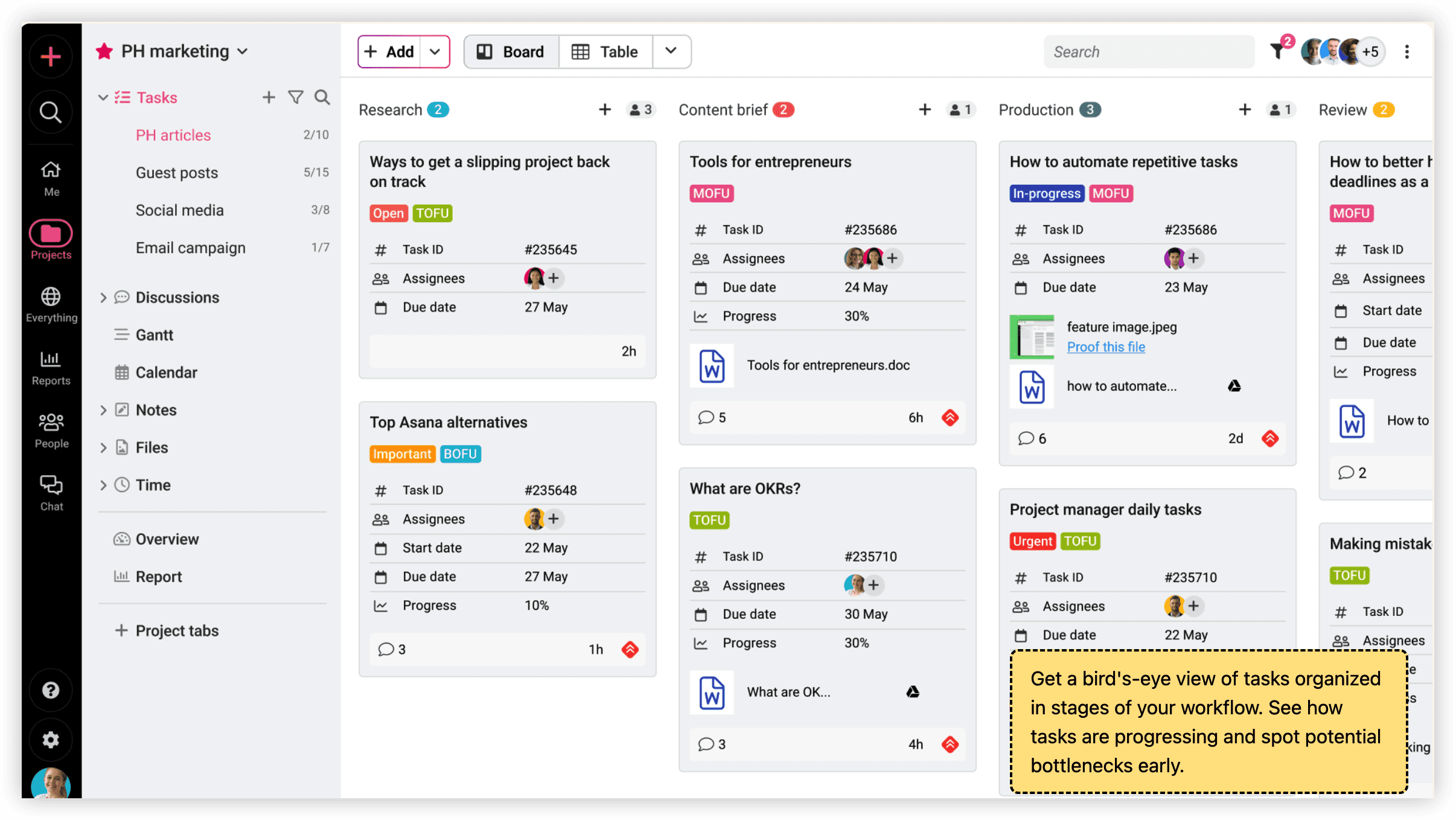
ProofHub adopts flat-rate pricing uncommon in per-seat SaaS models, potentially advantaging larger teams against user-based alternatives. The platform combines task lists, Kanban boards, Gantt charts, and calendar views with proofing and time tracking.
Custom roles and access levels support structured participation without unlimited administrative overhead. Table views enable spreadsheet-like data manipulation for planning and reporting.
The fixed pricing structure, while predictable, may prove costly for smaller teams relative to per-seat alternatives. Integration ecosystem breadth trails established competitors.
15. Smartsheet — Spreadsheet-Adapted Project Control
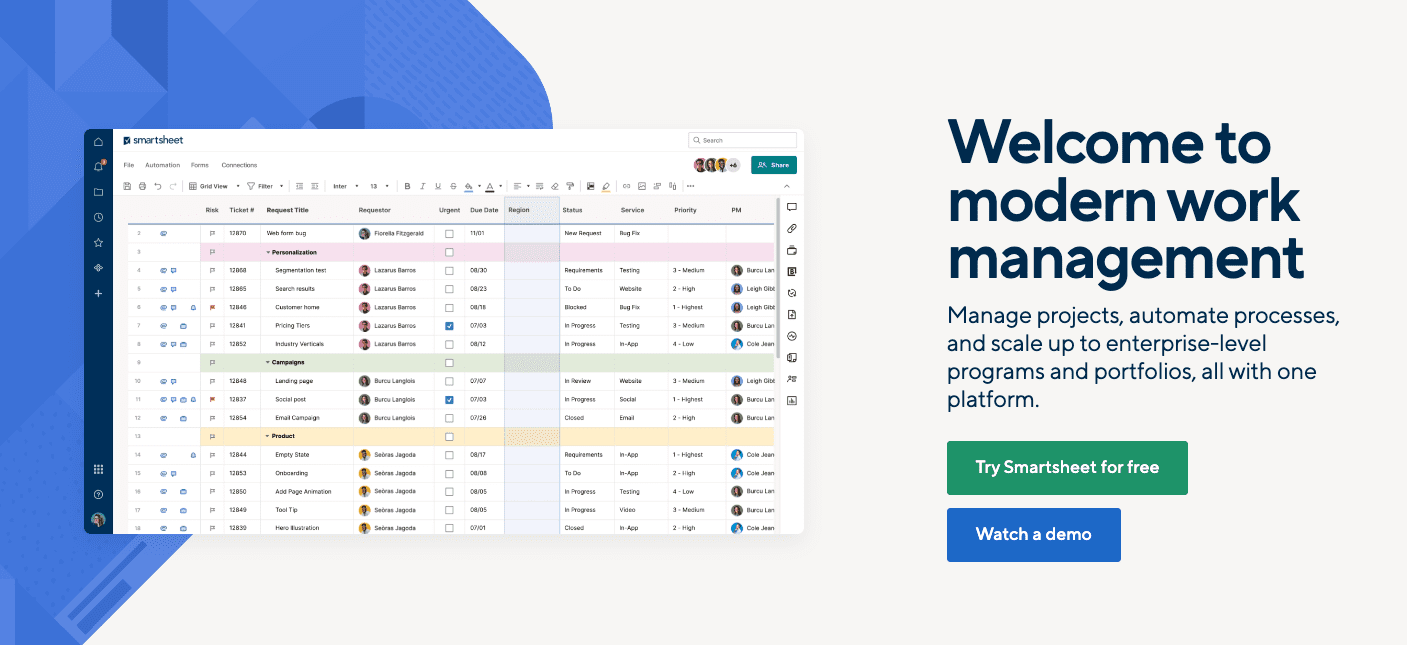
Smartsheet translates familiar grid interfaces into project management functionality, reducing adoption resistance for spreadsheet-dependent organizations. Formulas, conditional formatting, and cell linking extend traditional workbook capabilities into collaborative project contexts.
Automated workflows trigger actions based on cell changes, and proofing tools support document review cycles. Portfolio and resource management add-ons address enterprise requirements.
The grid-centric paradigm constrains visualization flexibility; teams preferring card-based or timeline-native interaction may find the interface constraining. Performance degrades with large dataset complexity.
16. Any.do — Lightweight List Management
Any.do prioritizes rapid task capture and daily planning over comprehensive project architecture. Moment features prompt daily review of scheduled commitments, supporting individual productivity rituals.
Shared lists enable basic family or small team coordination. Calendar integration and reminder functionality cover essential scheduling needs without feature proliferation.
The platform serves personal productivity and minimal team coordination. Project complexity, reporting requirements, and process governance exceed Any.do’s design parameters.
Defining Task Management
Task management encompasses the systematic identification, assignment, tracking, and completion of work units within individual or collective contexts. Effective implementations extend beyond simple listing to include prioritization frameworks, dependency mapping, resource allocation, progress measurement, and outcome documentation.
At organizational scale, task management intersects with project portfolio governance, strategic initiative alignment, and operational excellence programs. The appropriate tool sophistication corresponds to organizational maturity in these adjacent disciplines.
Essential Capability Categories
Evaluation frameworks should assess platforms across these domains:
Planning and Structuring: Hierarchical decomposition, template libraries, dependency modeling, and timeline construction with constraint awareness.
Collaborative Execution: Threaded discussion, file attachment, real-time editing, notification routing, and context preservation across handoffs.
Process Automation: Trigger-based workflows, recurring task generation, status propagation, and integration-driven actions without code intervention.
Measurement and Visibility: Dashboard assembly, custom metric definition, trend analysis, and predictive indicators for intervention timing.
Technical Integration: API availability, webhook support, pre-built connectors, and data portability for ecosystem flexibility.
Administrative Control: User provisioning, role definition, audit logging, data residency options, and compliance certification.
Pricing Considerations for 2026
Cost structures vary substantially across pricing models:
- Per-seat subscriptions: Predominant model scaling linearly with team growth; enterprise tiers often introduce volume thresholds
- Flat-rate arrangements: Predictable for stable team sizes; evaluate per-user economics at current and projected headcount
- Freemium tiers: Suitable for evaluation and small team initiation; document feature restrictions that trigger upgrade requirements
- Consumption-based alternatives: Emerging in automation-heavy platforms; assess usage patterns against billing granularity
Total cost evaluation should incorporate implementation services, training, integration development, and ongoing administration alongside subscription fees.
Evolving Directions in Task Management
Several patterns characterize platform evolution entering 2026:
Intelligent Assistance Integration: AI capabilities progress from generic generation to context-aware suggestions drawing on project history, organizational patterns, and individual work habits.
Platform Consolidation: Vendors increasingly absorb adjacent functions—documentation, whiteboarding, database manipulation—reducing tool proliferation while raising switching costs.
Capacity Transparency: Advanced resource management surfaces utilization patterns, skill availability, and burnout risk indicators to improve allocation decisions.
Configurable Automation: No-code workflow construction enables departmental self-service without IT queue dependency, requiring governance frameworks to prevent fragmentation.
Standardization Enforcement: Template libraries, mandatory fields, and approval workflows increase process compliance without sacrificing team autonomy.
Frequently Asked Questions
What distinguishes task management from project management platforms?
Task management focuses on individual work unit execution, while project management encompasses broader scope including resource portfolios, financial tracking, and strategic alignment. Many contemporary platforms blur this boundary, offering modular depth that scales with organizational need.
How should organizations approach tool migration from existing systems?
Migration planning should prioritize data fidelity, process continuity, and user adoption sequencing. Parallel operation periods, pilot team validation, and rollback preparation reduce transition risk. Historical data migration requirements vary; assess legal and operational retention needs against export capabilities.
What indicators suggest a team has outgrown its current task management solution?
Escalating manual reconciliation between systems, inability to generate required reports without external manipulation, permission constraints preventing appropriate access distribution, and workflow workarounds that circumvent rather than leverage platform structure all signal capability exhaustion.
How significant is AI functionality in current platform selection?
AI capabilities range from cosmetic additions to architecturally integrated assistance. Evaluate whether claimed intelligence operates on platform-native data or requires external context, the accuracy of generated outputs in your domain, and whether automation reduces or merely displaces manual effort.
What governance risks accompany low-code workflow configuration?
Departmental automation without architectural oversight produces inconsistent processes, data silos, and compliance gaps. Establish template review, change documentation, and periodic audit practices alongside enablement investments.
Conclusion: Matching Platform to Operational Reality
No single task management platform serves all organizational contexts optimally. ONES addresses the specific complexity of enterprise research and development with unified traceability across the delivery lifecycle. ClickUp and Asana provide breadth for general organizational deployment. Jira and ZenHub serve software engineering specialization. Monday.com and ProofHub target marketing and operational tracking respectively.
Selection success derives from honest assessment of current process maturity, friction points, and growth trajectory rather than feature accumulation. Pilot with representative workflows, measure adoption velocity, and validate reporting sufficiency before organizational commitment. The most sophisticated platform delivers no value when implementation exceeds organizational readiness for structured work management.