



Searching for a capable replacement for Jira? After evaluating dozens of platforms, we identified 8 alternatives worth considering in 2026:
- ONES — Best for enterprise R&D management
- Linear — Best for fast-moving engineering teams
- ClickUp — Best all-in-one workspace
- Asana — Best for marketing and operations
- Monday.com — Best for visual project tracking
- Notion — Best for docs and tasks combined
- GitHub Projects — Best for GitHub-centric teams
- Shortcut — Best balanced option for dev teams
Each tool was assessed across feature depth, pricing transparency, ease of adoption, and real-world performance. Read on for the full breakdown.
Why Teams Move Away from Jira
Jira has dominated software project management since the early 2000s. Yet in 2026, an increasing number of organizations are questioning whether its historical dominance translates to present-day fit. Several recurring friction points drive this reassessment:
- Administrative burden: Jira’s configuration architecture—schemes, workflows, screen configurations—typically requires a dedicated administrator. Smaller organizations rarely have this capacity.
- Interface responsiveness: Jira Cloud continues to exhibit latency when rendering boards with substantial issue volumes, a gap that newer platforms have closed.
- Cost trajectory: Atlassian’s cloud-first pricing strategy has elevated total cost of ownership for numerous customers.
- Mismatch for non-technical users: Marketing, design, and operations personnel frequently encounter friction with Jira’s developer-oriented conceptual model.
- Tool fragmentation: Documentation requires Confluence, lightweight boards require Trello—competing solutions increasingly consolidate these functions natively.
The 8 Best Jira Alternatives in Detail
1. ONES — Best for Enterprise R&D Management
Pricing: Contact for enterprise quotes
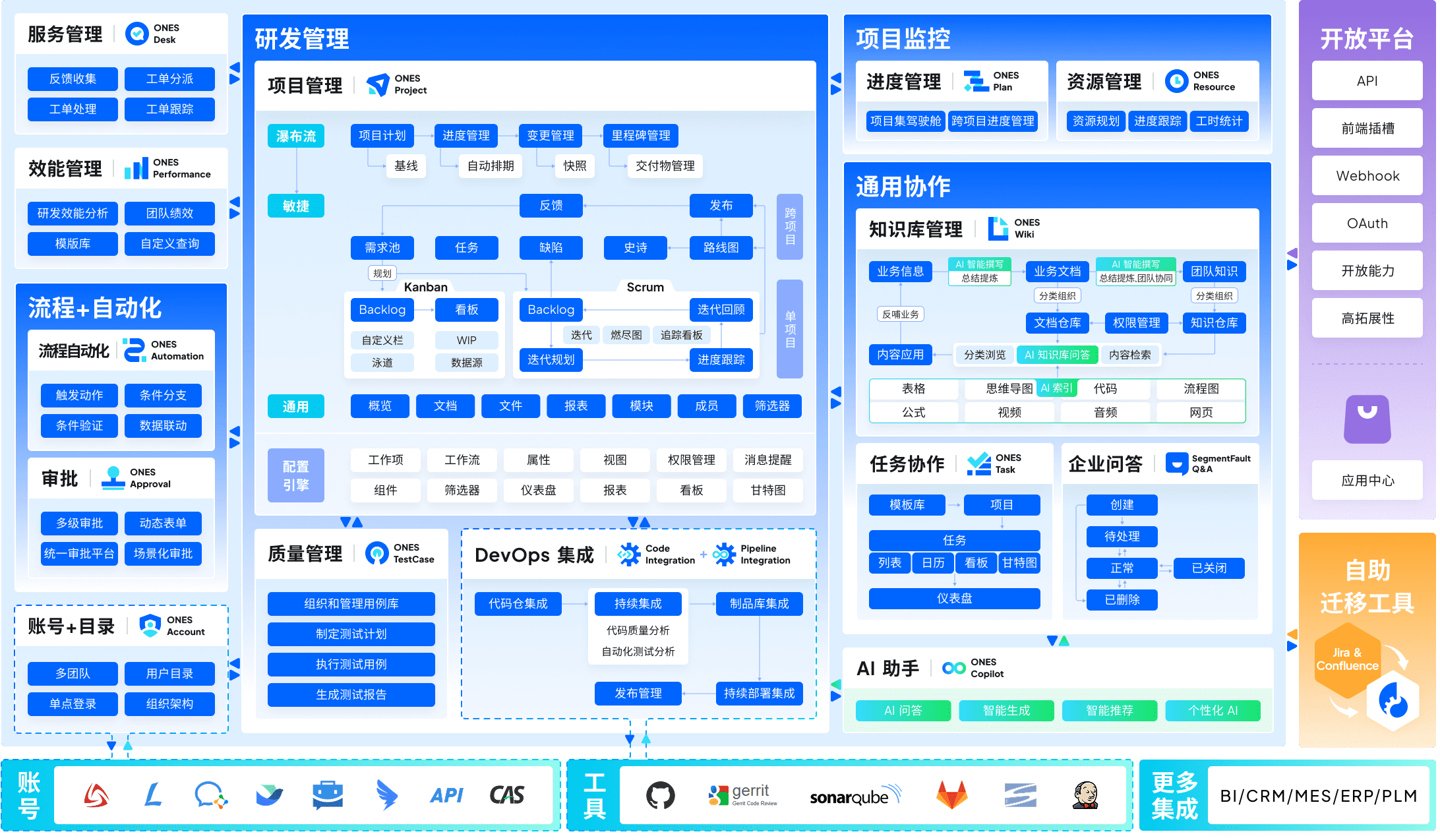
ONES serves as a comprehensive enterprise-grade platform for software research and development. Unlike point solutions that address isolated workflow stages, ONES integrates project management, requirements tracking, knowledge repositories, test management, CI/CD pipelines, and code management within a unified architecture. This consolidation eliminates the data silos and integration overhead that accumulate when organizations stitch together multiple single-purpose tools.
For large-scale engineering organizations, ONES provides sophisticated workflow configuration capabilities, granular permission models, and cross-team collaboration governance structures. The platform places particular emphasis on engineering effectiveness measurement—equipping leadership with quantitative visibility into delivery quality, throughput, and cycle time to support continuous improvement initiatives.
Distinctive capabilities: End-to-end R&D lifecycle coverage, complex enterprise process support, data-driven engineering effectiveness analytics, robust cross-functional coordination.
Ideal for: Mid-to-large engineering organizations (100+ developers) managing intricate delivery pipelines across multiple teams or business units.
2. Linear — Best for Fast-Moving Engineering Teams
Pricing: Free (250 issues) / $8 per user monthly / $14 per user monthly
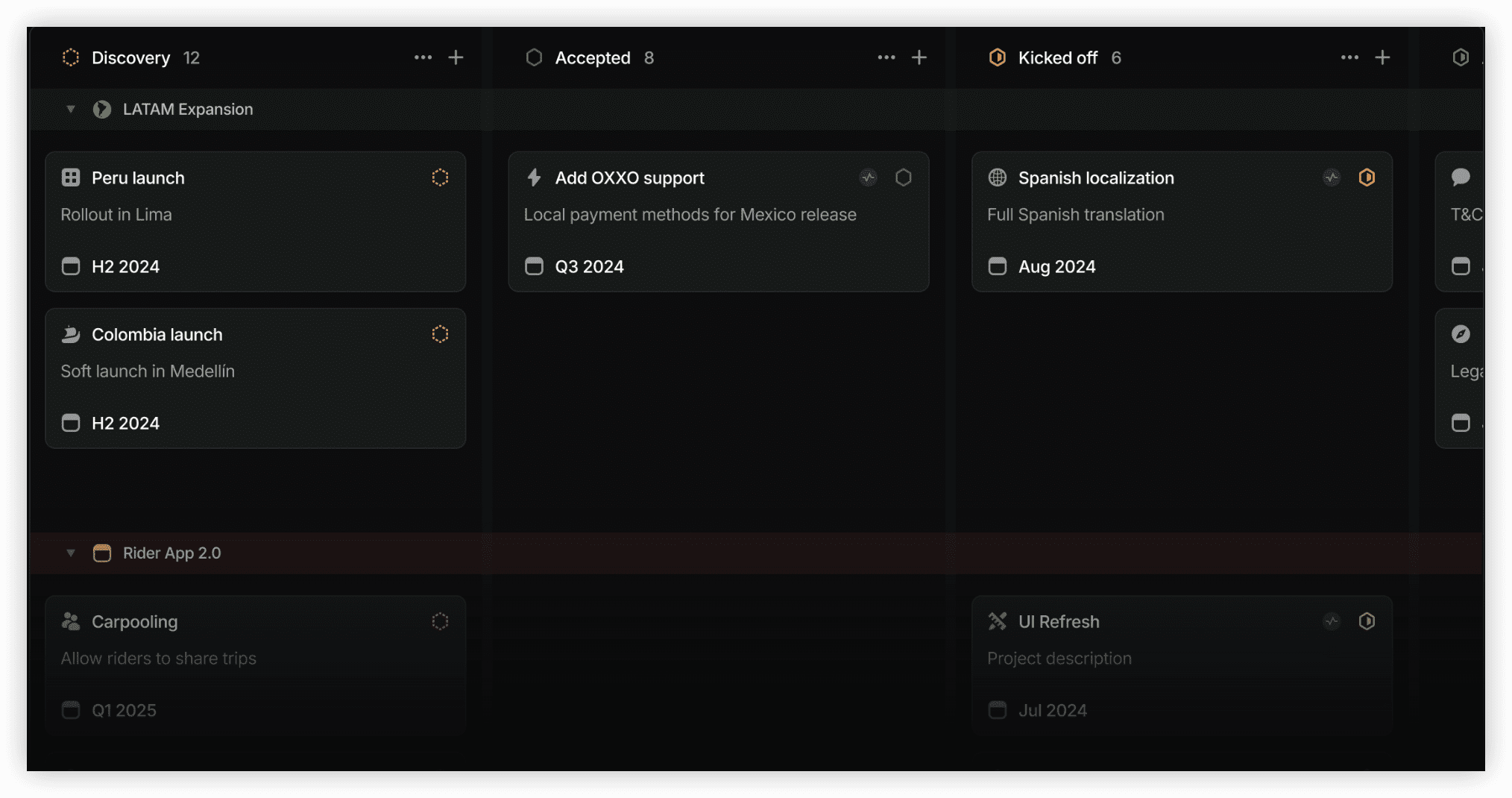
Linear represents a fundamental reimagining of issue tracking with velocity as the core design principle. Every interaction—from keyboard navigation to filter application—responds in under 100 milliseconds, creating a workflow experience that feels immediate rather than deliberative.
The platform enforces opinionated conventions that reduce configuration decisions: Cycles replace traditional sprints with streamlined planning, and GitHub or GitLab integration automatically advances issue states based on code activity. This constrained flexibility proves liberating for teams that prioritize execution over customization.
Distinctive capabilities: Sub-100ms interface response, prescriptive workflow patterns, Cycle-based sprint planning, automated issue state synchronization with version control.
Ideal for: Startups and scaling engineering groups (5–100 developers) where speed of adoption and daily use outweighs deep configurability.
3. ClickUp — Best All-in-One Workspace
Pricing: Free / $7 per user monthly / $12 per user monthly
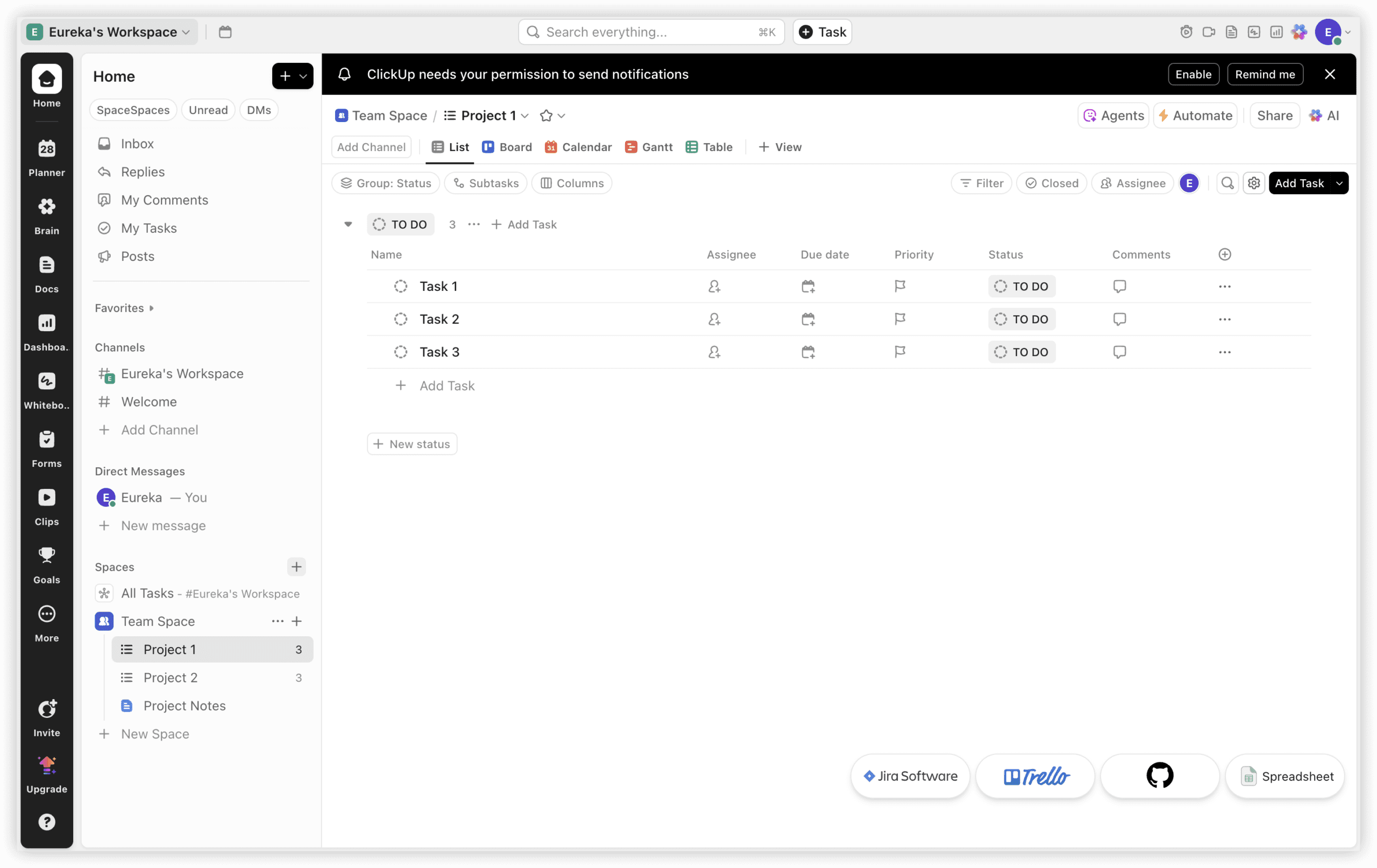
ClickUp pursues breadth of functionality as its defining characteristic. The platform encompasses documentation, collaborative whiteboards, objective tracking, time logging, sprint management, and analytical dashboards within a single subscription—reducing the need for separate Confluence, Miro, or Trello deployments.
Fifteen distinct view configurations (Board, List, Gantt, Timeline, Workload among them) allow different stakeholders to engage with identical underlying data through their preferred representation. Native documentation eliminates the friction of maintaining a separate wiki system, and time tracking is included without third-party extension.
Distinctive capabilities: Extensive view diversity, integrated documentation, native time tracking, competitive per-seat economics at organizational scale.
Ideal for: Cross-functional departments and service agencies requiring project management, documentation, and collaboration within one contractual and technical boundary.
4. Asana — Best for Marketing and Operations Teams
Pricing: Free (10 users) / $10.99 per user monthly / $24.99 per user monthly
Asana occupies a deliberate position between the structural density of Jira and the deliberate simplicity of Trello. Its interface design prioritizes accessibility for professionals without technical backgrounds, making adoption across marketing, operations, and administrative functions comparatively frictionless.
The Portfolio view provides executive visibility across multiple concurrent initiatives without requiring manual status consolidation. Automation rules operate through a no-code interface, and native integrations with HubSpot, Salesforce, and Slack preserve existing tool investments.
Distinctive capabilities: Multi-project portfolio oversight, accessible automation construction, established marketing technology ecosystem connectivity.
Ideal for: Marketing departments, operations teams, and organizational contexts where technical proficiency varies widely across user populations.

5. Monday.com — Best for Visual Project Tracking
Pricing: Free (2 seats) / $9 per seat monthly / $12 per seat monthly / $19 per seat monthly
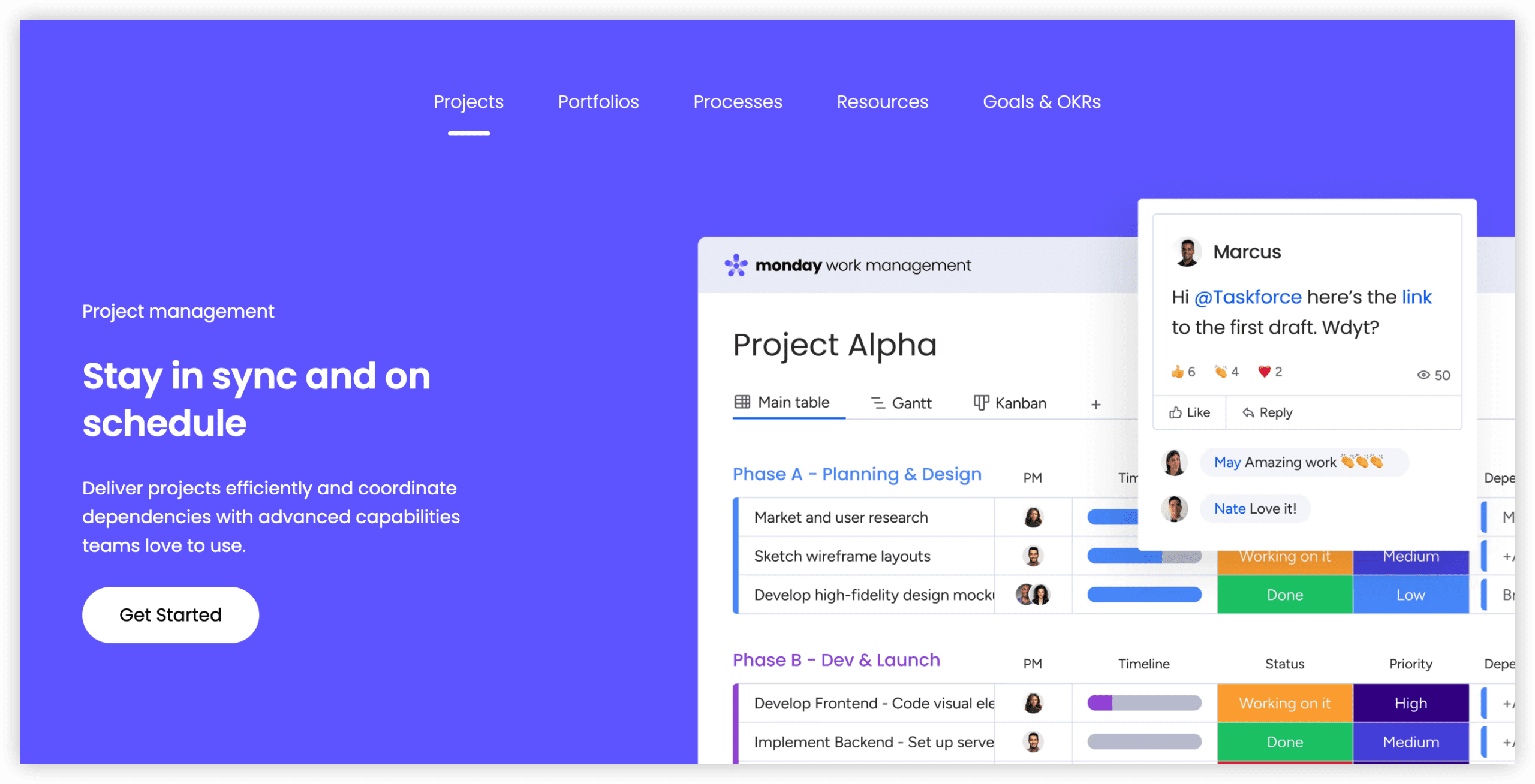
Monday.com constructs its user experience around a columnar, spreadsheet-derived visual language enhanced with color coding, status indicators, and progress visualization. This approach enables rapid workflow construction without administrative expertise or configuration training.
The platform extends beyond pure project management into adjacent domains including CRM and software development through purpose-built product modules. Two hundred pre-configured automation templates accelerate common workflow patterns without custom development.
Distinctive capabilities: Intuitive visual board construction, minimal technical prerequisites for customization, integrated CRM and development modules, extensive automation template library.
Ideal for: Teams that prioritize visual information processing and require participation from stakeholders with limited project management tool exposure.
6. Notion — Best for Documentation and Task Integration
Pricing: Free / $10 per user monthly / $18 per user monthly
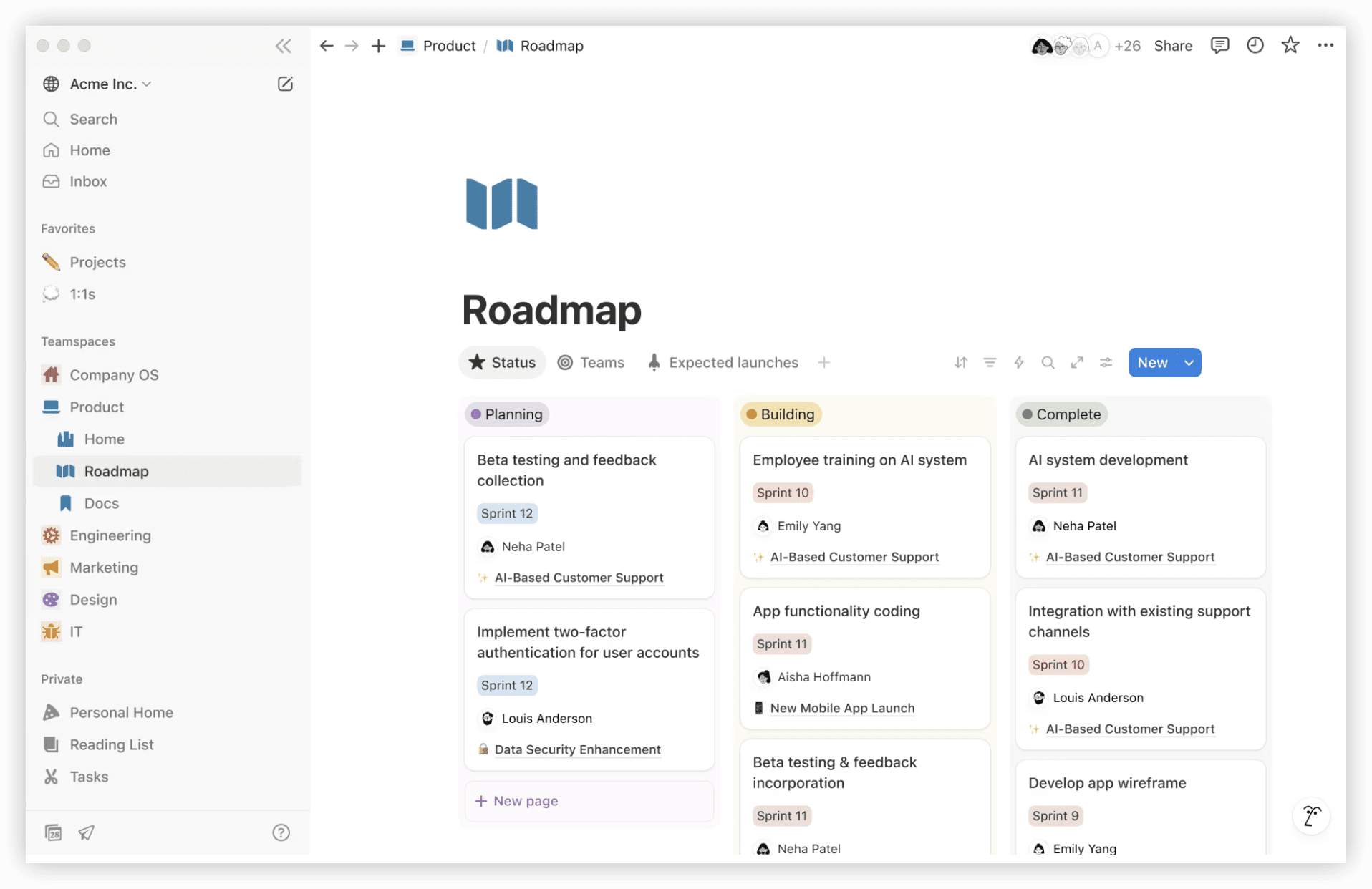
Notion’s foundational architecture treats all content as structured data within configurable databases. This flexibility enables the creation of Kanban boards, tabular views, calendar presentations, and timeline visualizations that match dedicated project management tools—while preserving the platform’s primary strength as a documentation and knowledge management system.
Recent AI enhancements support intelligent search, content summarization, and draft generation, reducing the manual overhead of maintaining comprehensive project documentation.
Distinctive capabilities: Unified documentation and task environment, extreme structural adaptability, AI-assisted content operations.
Ideal for: Early-stage companies seeking to minimize tool proliferation by consolidating documentation and project tracking within one environment.
7. GitHub Projects — Best for Teams Already on GitHub
Pricing: Free / Included with GitHub Team ($4 per user monthly)
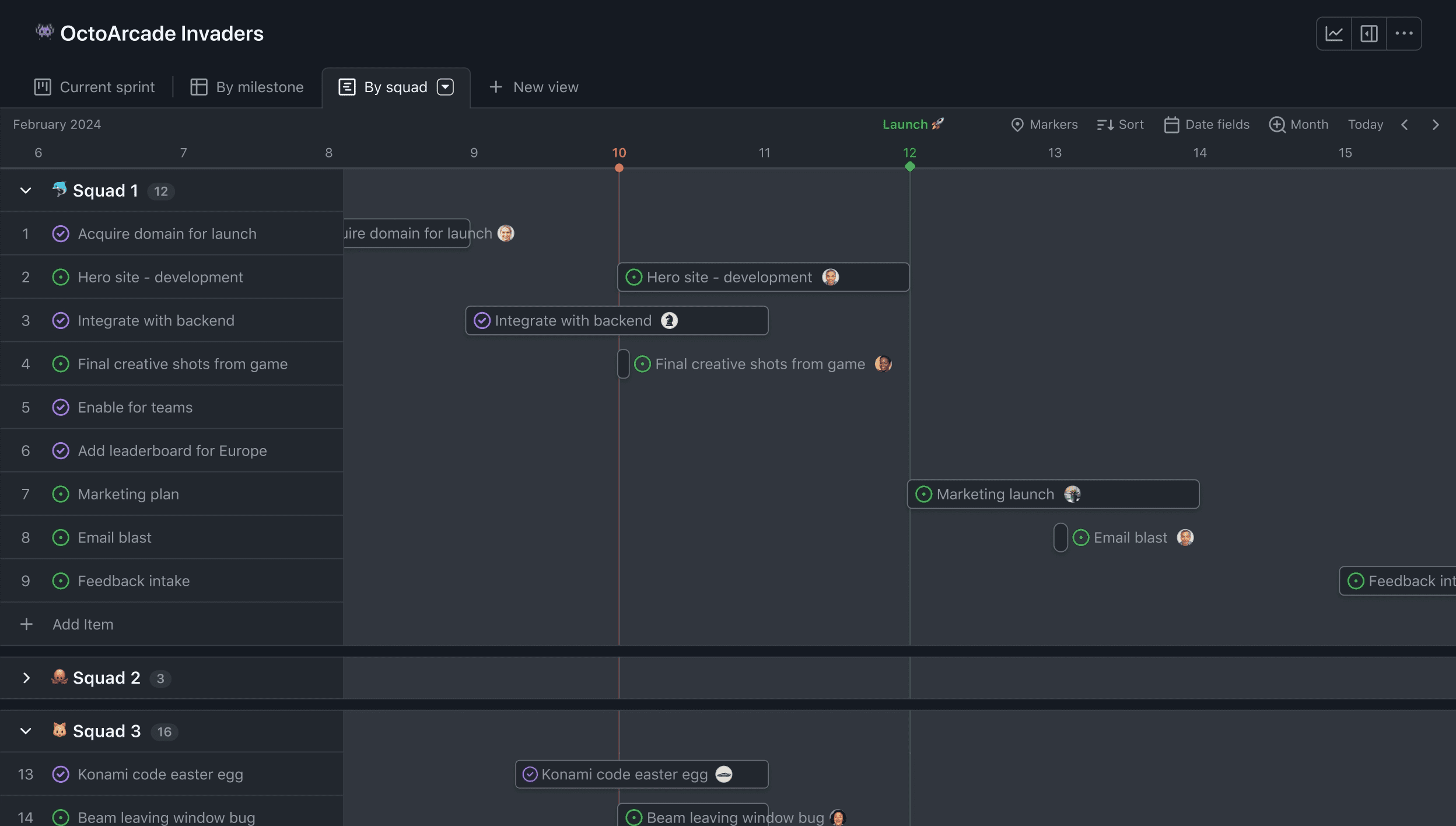
GitHub Projects has matured substantially from its origins as a basic Kanban overlay. The current implementation supports custom fields, multiple view configurations, and roadmap visualization directly correlated with pull requests and commit activity.
For teams already managing code within GitHub, this evolution eliminates the context switching and synchronization overhead of maintaining separate project management infrastructure. Automated workflow triggers respond to code events—issue closure on merge, status updates on review submission—without external integration configuration.
Distinctive capabilities: Zero context switching for GitHub-native workflows, no additional cost for open-source projects, code-event-driven automation.
Ideal for: Development teams with existing GitHub commitments seeking to avoid incremental tool adoption and integration maintenance.
8. Shortcut — Best Balanced Option for Development Teams
Pricing: Free (10 users) / $8.50 per user monthly / $16 per user monthly
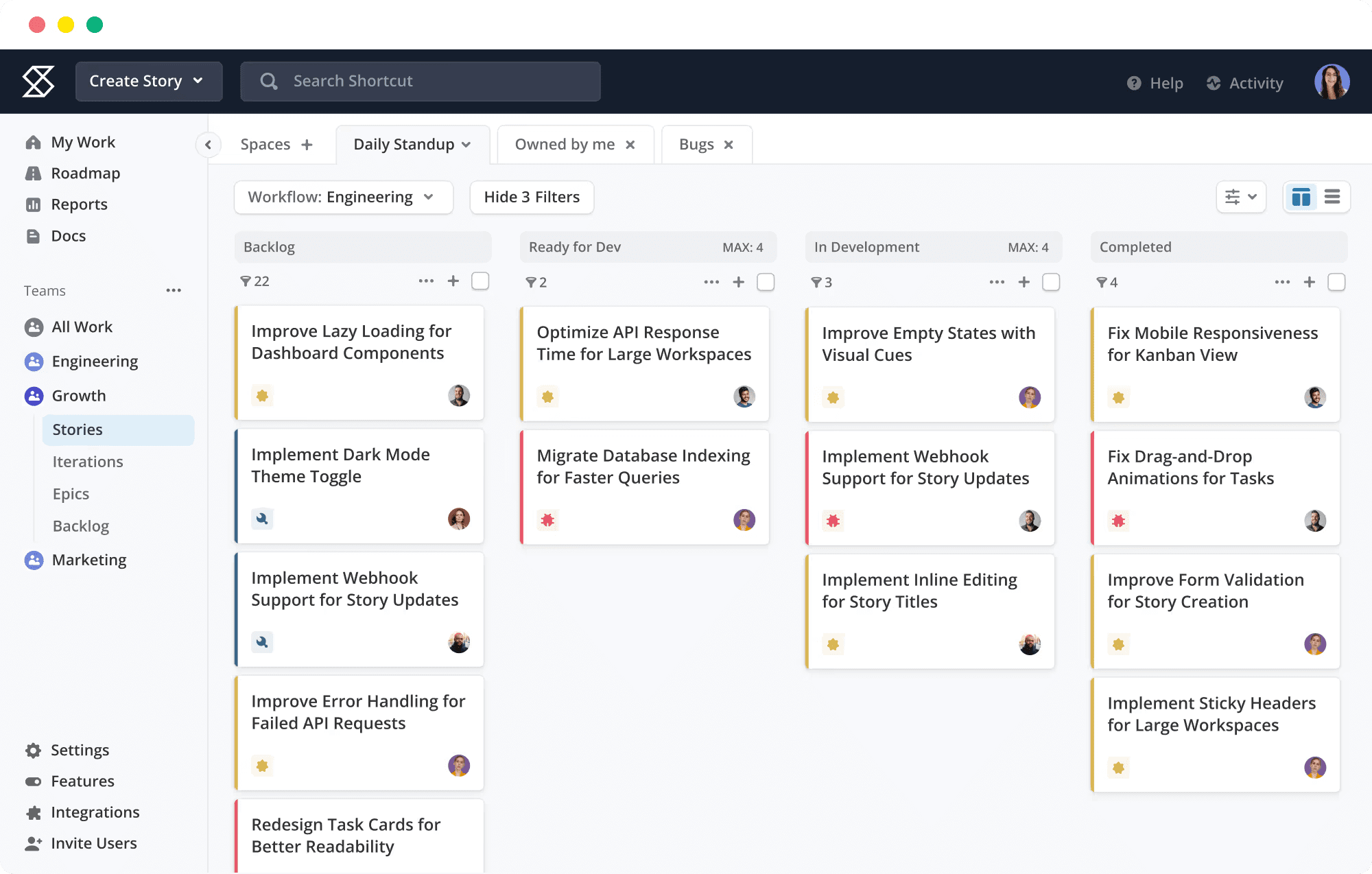
Shortcut (previously Clubhouse) calibrates its feature set between the minimalism of Linear and the configurability of Jira. The platform preserves hierarchical work organization through Epics, Milestones, and Iterations, yet presents these structures through a contemporary, responsive interface.
Built-in documentation capabilities reduce the need for external wiki systems, and the free tier accommodates small teams without immediate financial commitment.
Distinctive capabilities: Reasonable default configurations, Epic-Story-Task hierarchy, integrated documentation, accommodating free tier.
Ideal for: Development groups of 10–50 practitioners requiring structured work decomposition without Jira’s administrative complexity.
Comparison Overview
| Platform | Free Offering | Entry Price | Primary Use Case | Sprint Support |
|---|---|---|---|---|
| ONES | Demo available | Enterprise pricing | Large-scale R&D operations | Native |
| Linear | 250 issues | $8/user/month | Fast engineering teams | Cycles |
| ClickUp | Unlimited | $7/user/month | Unified workspace | Native |
| Asana | 10 users | $10.99/user/month | Marketing and operations | Not native |
| Monday.com | 2 seats | $9/seat/month | Visual workflow management | Dev product |
| Notion | Unlimited | $10/user/month | Docs and tasks combined | Custom build |
| GitHub Projects | Unlimited | $4/user/month (GitHub Team) | GitHub-native teams | Iterations |
| Shortcut | 10 users | $8.50/user/month | Balanced dev management | Native |
Selection Framework
Matching organizational context to platform characteristics yields more satisfactory outcomes than evaluating features in isolation:
- Engineering-centric, velocity-focused: Linear or Shortcut minimize administrative overhead while preserving essential development workflow structure.
- Tool consolidation objective: ClickUp or Notion replace multiple subscriptions with unified functionality, reducing both direct costs and integration complexity.
- Mixed technical proficiency: Asana or Monday.com present interfaces that non-technical participants can navigate with minimal onboarding.
- Minimal requirements: Trello remains the appropriate choice when needs are limited to straightforward task visualization.
- Existing GitHub dependency: GitHub Projects extends existing infrastructure without incremental procurement or integration effort.
- Enterprise scale, measurement imperative: ONES provides the governance depth and analytical rigor that large R&D organizations require for systematic improvement.
Frequently Asked Questions
Which Jira alternative suits 2026 requirements most effectively?
Optimal selection depends on team composition, organizational scale, technical maturity, and budget constraints. The eight platforms evaluated above represent distinct positioning across these dimensions—review the detailed profiles and selection framework to identify alignment with your specific context.
Are no-cost Jira alternatives available?
Most platforms in this evaluation provide free tiers with varying limitations: Linear (250 issues), Asana (10 users), Monday.com (2 seats), Shortcut (10 users), and unlimited free access for ClickUp, Notion, and GitHub Projects. ONES typically provides demonstration access for evaluation purposes.
What evaluation criteria should guide Jira alternative selection?
Prioritize alignment across team size, financial parameters, essential functionality, integration requirements with existing systems, and administrative capacity. The comparison table and selection framework above provide structured guidance for this assessment.
Last reviewed and updated: April 26, 2026
Pricing and capability specifications may evolve. Consult official product sources for current information.