


Looking for a more efficient way to manage team documentation and knowledge sharing? This guide evaluates 8 proven Confluence alternatives for 2026, comparing their collaboration features, pricing models, and organizational fit to help teams select the right platform for wikis, project documentation, and internal knowledge bases.
The eight tools covered are:
- ONES — Enterprise-grade R&D management with integrated knowledge management
- Teamwork Spaces — Documentation embedded within project management workflows
- Notion — Flexible workspace with databases and modular content
- Google Docs — Universal document editing with minimal onboarding friction
- Basecamp — Streamlined project coordination with built-in message boards and docs
- ClickUp — Customizable wikis combined with task hierarchy
- Nuclino — Minimalist knowledge base for rapid team adoption
- Jira — Developer-centric documentation with issue tracking integration
Why teams seek alternatives to Confluence in 2026
Atlassian’s Confluence remains widely deployed, yet teams consistently encounter operational friction that slows daily work. Four limitations drive organizations to evaluate substitutes:
Extended onboarding cycles: New contributors typically require 1–2 weeks of acclimation before navigating spaces, macros, and page hierarchies independently. For agencies with rotating staff or contractors, this delays productive contribution.
Performance degradation at scale: Documents exceeding 50 pages with embedded media exhibit noticeable lag during editing—delays of 2–3 seconds compound into substantial workflow disruption for content-heavy teams.
Discovery limitations: Search ranking lacks relevance tuning; locating documents without precise title recall demands manual space traversal. Teams relying on institutional knowledge find this particularly costly.
Cost escalation: Standard plans begin at $6.05 per user monthly, yet Premium ($11.55) unlocks analytics, advanced permissions, and unlimited storage—mandatory for most growing organizations. Third-party app dependencies add further expense.
These constraints motivate the alternative evaluations below, each tested across real documentation scenarios including team wikis, campaign briefs, standard operating procedures, and structured knowledge repositories.
Feature comparison: documentation platforms evaluated
| Platform | Real-time editing | Search depth | Version control | Access governance |
|---|---|---|---|---|
| ONES | Excellent | Excellent | Excellent | Excellent |
| Teamwork Spaces | Good | Good | Good | Good |
| Notion | Excellent | Excellent | Excellent | Good |
| Google Docs | Excellent | Excellent | Excellent | Good |
| ClickUp | Good | Good | Good | Good |
| Basecamp | Basic | Basic | Basic | Basic |
| Jira | Basic | Good | Good | Good |
| Nuclino | Good | Good | Good | Basic |
Evaluation methodology: Each platform underwent 30-day trials with identical documentation workloads—team wiki creation, campaign brief development, SOP maintenance, and cross-functional knowledge retrieval. Criteria weighted: initial usability (can new users produce pages within 30 minutes?), discoverability (can documents be found without exact title recall?), and workflow integration (do documents connect to execution layers?).
Detailed platform analysis
1. ONES — Enterprise R&D and knowledge unification
ONES addresses a gap most documentation tools overlook: the disconnect between knowledge repositories and the engineering workstreams that produce them. As an enterprise-grade R&D management platform, ONES embeds knowledge management within a broader project lifecycle context—requirements, iterative development, quality assurance, and delivery pipelines coexist in one governed environment.
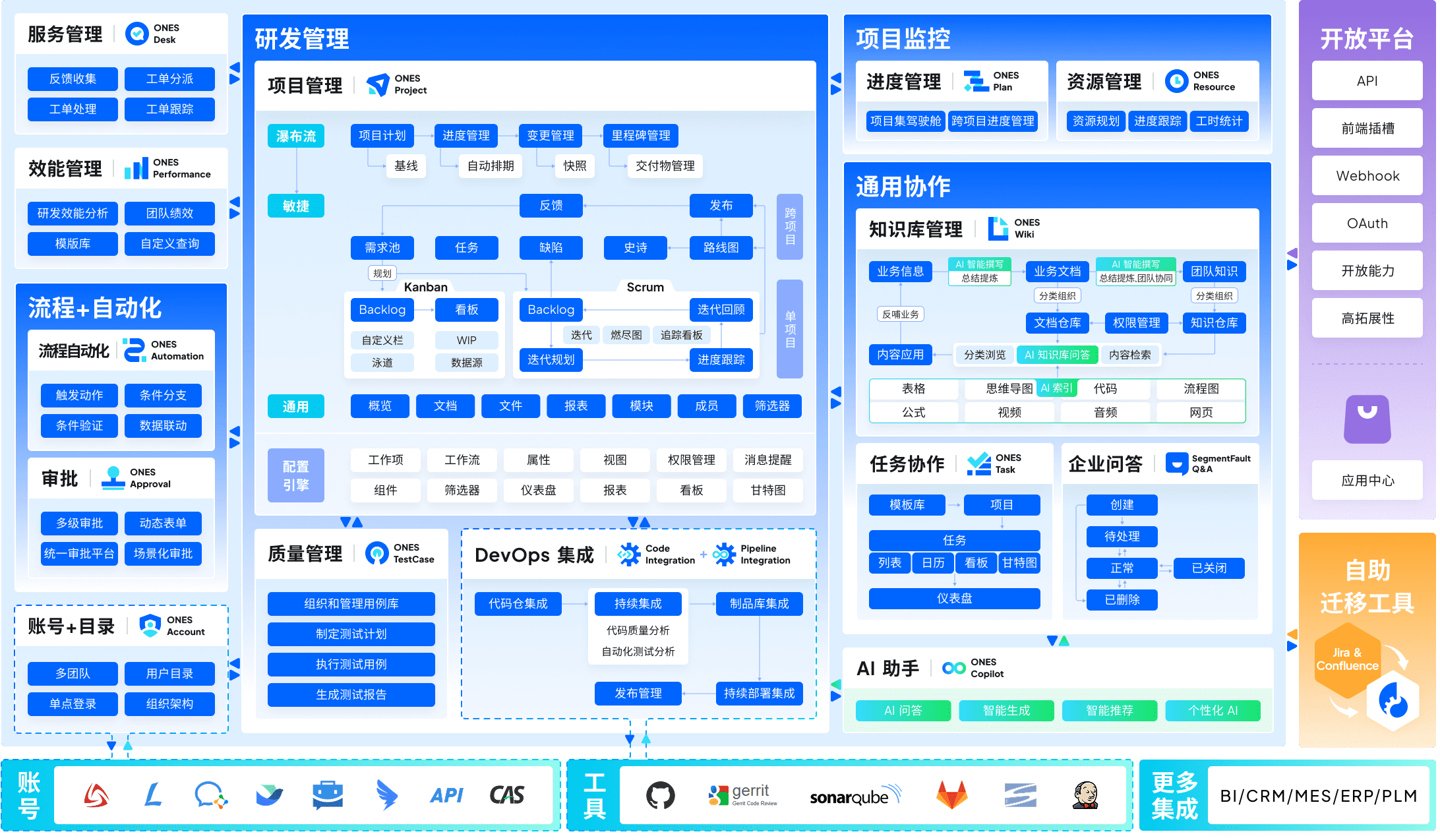
The platform’s architecture suits organizations managing complex product portfolios across multiple teams. Permission models accommodate matrixed structures; workflow configurations adapt to regulated industries or custom governance requirements. Where standalone documentation tools treat content as static reference material, ONES positions knowledge as an operational asset tied to measurable delivery outcomes.
Critical for technical leadership: ONES emphasizes engineering effectiveness metrics. Documentation consumption, contribution patterns, and cross-team knowledge transfer become observable inputs for improving delivery velocity and output quality—data that isolated wiki platforms cannot surface.
Pricing: Enterprise-tier; contact ONES for organization-specific quotes.
Best fit: Mid-to-large technology organizations, R&D divisions in regulated sectors, and enterprises requiring unified governance across project management, documentation, and engineering operations.
2. Teamwork Spaces — Client-work documentation
Teamwork Spaces operates within the broader Teamwork.com ecosystem, embedding documents directly alongside project tasks, time records, and resource allocations. This structural integration eliminates the context-switching penalty teams pay when toggling between separate documentation and project management environments.
For agencies and professional services firms, the proximity of campaign briefs to execution tracking proves operationally valuable. A strategy document links to its associated task hierarchy; time logged against deliverables feeds profitability analysis without manual reconciliation across tools.
The platform includes native time tracking, resource capacity visualization (displayed as utilization percentages against available hours), and workload balancing—capabilities that extend documentation utility into operational planning.
Pricing: Included in Teamwork.com plans from $9.99 per user monthly.
Best fit: Client services organizations (5–50+ personnel) requiring documentation tightly coupled to project delivery and financial tracking.
3. Notion — Modular workspace construction
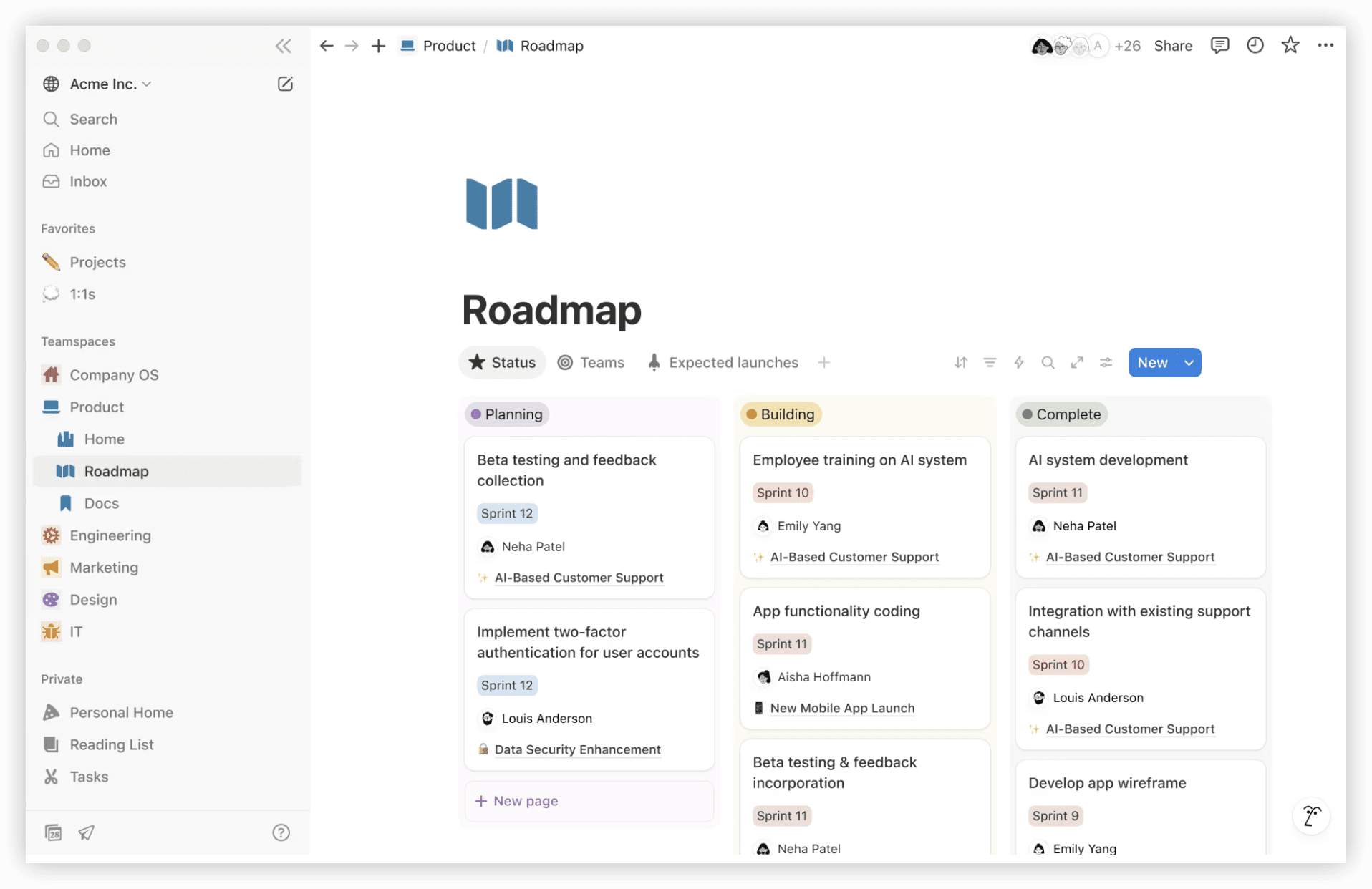
Notion’s distinctive approach treats documentation as interoperable database components rather than fixed page structures. Users construct relational systems—connecting project briefs to task databases, linking research repositories to decision logs, embedding knowledge within actionable workflows.
This flexibility demands more upfront design investment than templated alternatives. Teams must define their information architecture; the platform rewards this effort with adaptable systems that evolve alongside organizational complexity.
Search performs robustly across content types, and version history preserves iteration trails. Permission granularity supports both open team spaces and restricted confidential areas.
Pricing: $10–$20 per user monthly; free tier available for individual use.
Best fit: Teams prioritizing customizable information structures over prescribed workflows; startups and creative organizations comfortable with design investment.
4. Google Docs — Frictionless universal access
Google Docs offers the lowest adoption barrier in this evaluation. Universal familiarity, instant sharing via links, and seamless Workspace integration make it the default choice for rapid deployment without training overhead.
Real-time collaborative editing remains benchmark-setting; simultaneous contribution from distributed participants operates without conflict. Version history tracks granular changes with attribution and restoration capability.
Limitations emerge at organizational scale: document sprawl becomes ungovernable without deliberate folder architecture; cross-document linking lacks structured wiki navigation; permission inheritance across nested collections requires manual maintenance.
Pricing: Free for individual use; $6–$18 per user monthly within Google Workspace.
Best fit: Teams requiring immediate productivity without implementation investment; organizations already standardized on Google Workspace; transient or volunteer-based collaborations.
5. Basecamp — Simplified project coordination
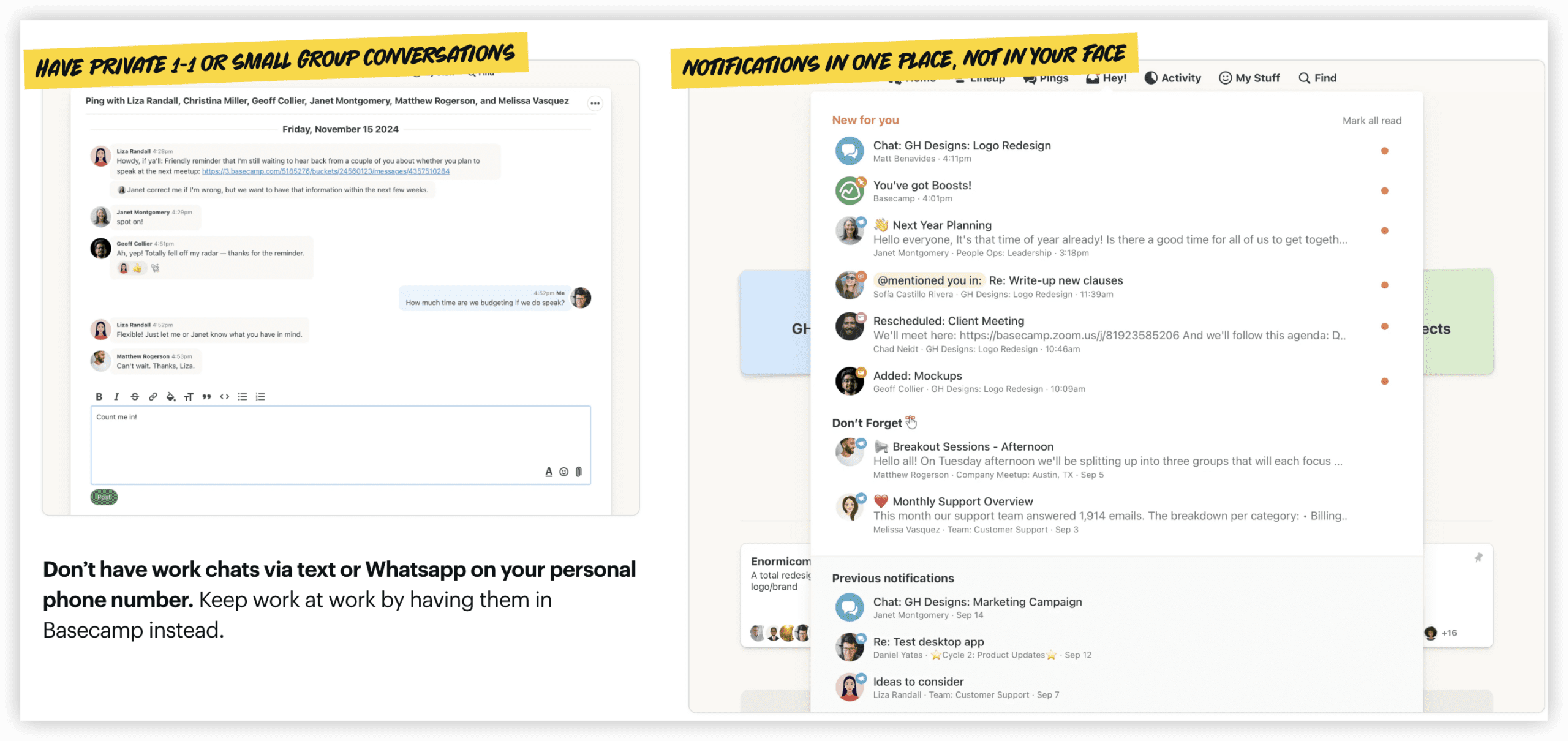
Basecamp deliberately constrains feature breadth to reduce cognitive load. Message boards, to-do lists, schedules, and document storage occupy a single, intentionally uncomplicated interface.
Documentation exists within project containers rather than as standalone knowledge repositories. This suits teams executing defined engagements with clear boundaries, but constrains organic knowledge accumulation across organizational memory.
The flat-rate unlimited pricing model ($299 monthly) becomes economical for larger teams; per-user pricing ($15 monthly) suits smaller groups.
Best fit: Teams valuing operational simplicity over functional depth; small-to-medium agencies with predictable project structures.
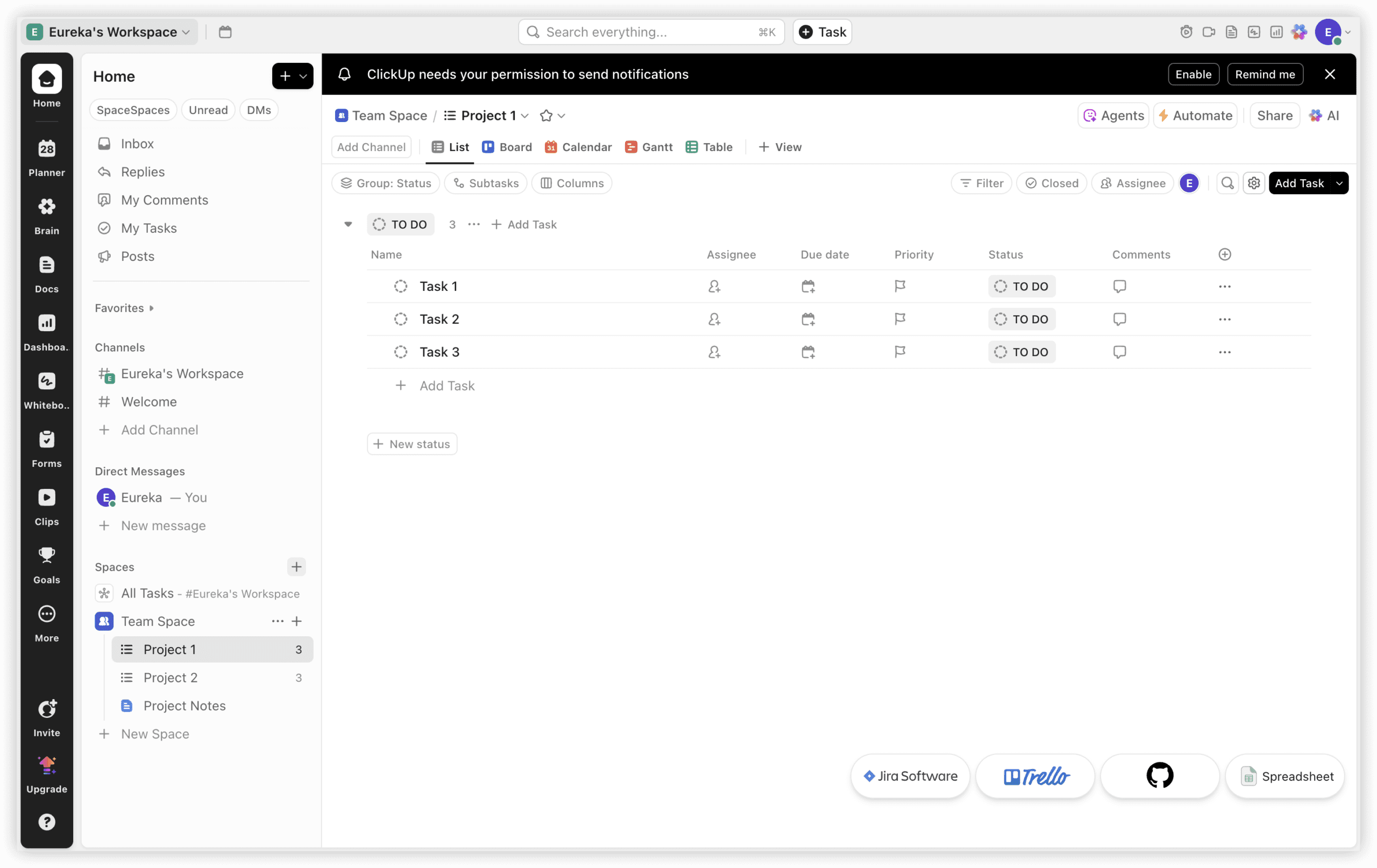
6. ClickUp — Customizable hierarchy
ClickUp extends documentation into deeply configurable task management hierarchies. Wikis, docs, and task descriptions interweave within nested Spaces, Folders, and Lists—enabling complex organizational schemes.
This configurability introduces complexity; teams must invest in structural design to avoid navigational confusion. The platform rewards methodical implementation with granular control over information presentation and workflow automation.
Pricing: $5–$19 per user monthly; free tier with limited features.
Best fit: Teams requiring tight coupling between documentation and hierarchical task management; organizations with appetite for configuration investment.
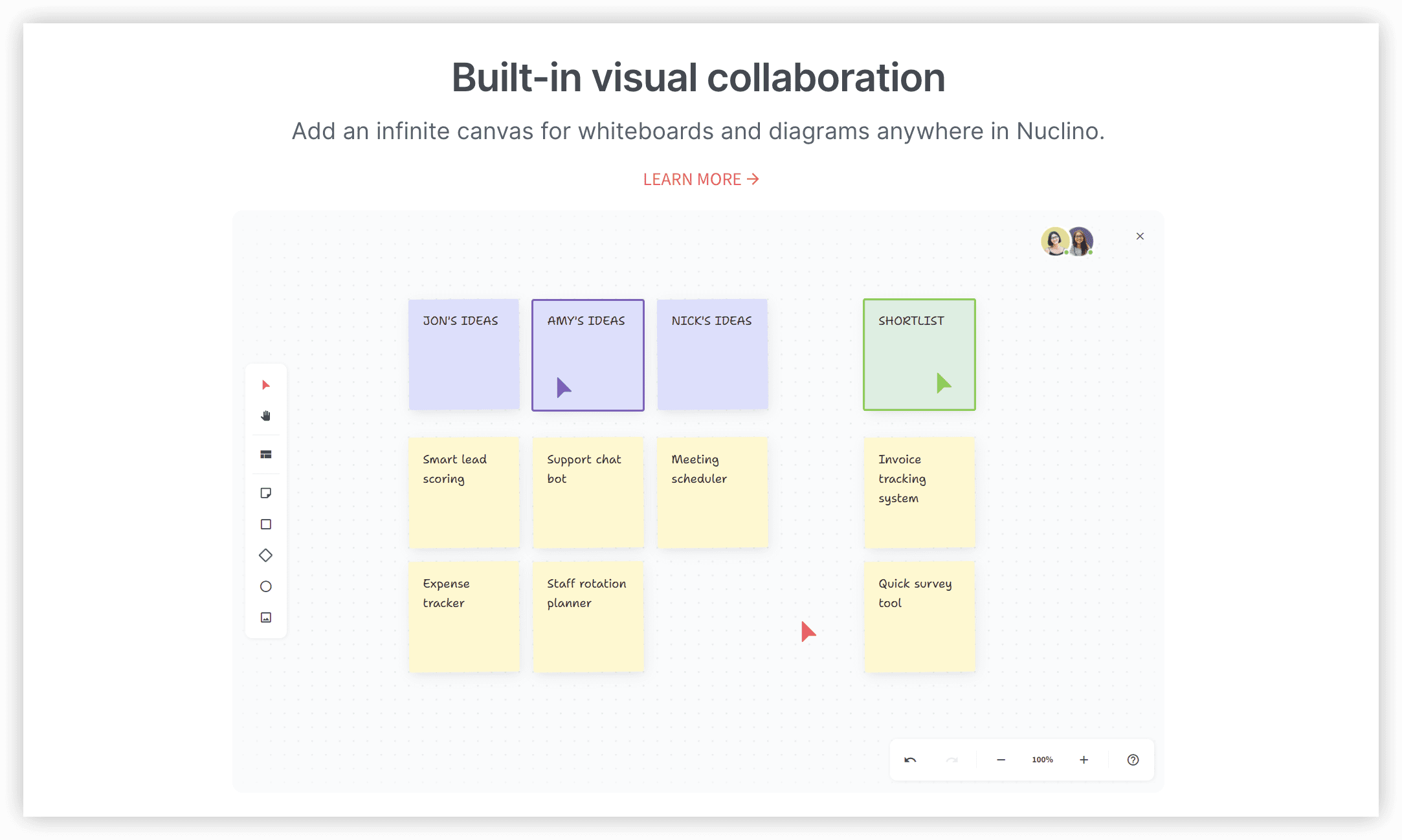
7. Nuclino — Lightweight knowledge focus
Nuclino strips away peripheral features to deliver rapid, uncluttered knowledge base construction. Tree-structured collections, instant search, and clean editing prioritize content accessibility over workflow integration.
The deliberate simplicity suits teams seeking immediate wiki deployment without implementation cycles. Real-time collaboration operates smoothly; the interface remains legible across device types.
Advanced governance, workflow automation, and cross-tool integration remain outside scope—conscious trade-offs for the reduced complexity.
Pricing: $5–$10 per user monthly.
Best fit: Teams requiring rapid knowledge base establishment without operational overhead; small organizations prioritizing content clarity over functional breadth.
8. Jira — Developer-aligned documentation
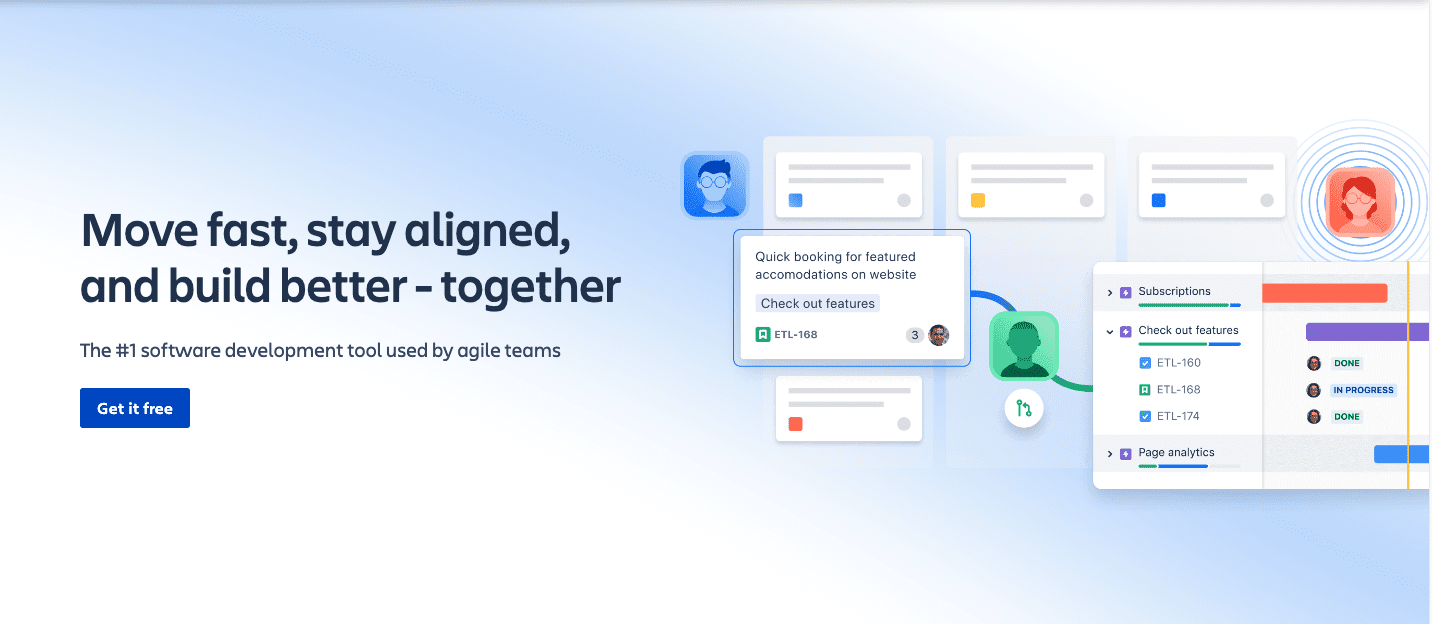
Jira’s documentation capabilities serve engineering contexts where content exists in service of issue resolution and release coordination. Technical specifications, release notes, and incident retrospectives integrate with ticket workflows and sprint planning.
The platform assumes familiarity with Atlassian’s conceptual model; teams without existing Jira investment face substantial onboarding. Search operates effectively within project boundaries; cross-project discovery requires deliberate configuration.
Pricing: $7.75–$15.25 per user monthly.
Best fit: Software engineering teams already operating within Atlassian ecosystems; documentation tightly coupled to development workflows.
Platform selection guidance
| Organizational profile | Recommended platform | Rationale |
|---|---|---|
| Enterprise R&D, regulated industries, complex multi-team engineering | ONES | Governance depth, effectiveness measurement, unified lifecycle management |
| Client services, agency delivery, project-profitability tracking | Teamwork Spaces | Documentation-project-financial integration |
| Flexible startup, creative team, custom information architecture | Notion | Adaptable relational structures |
| Minimal implementation, universal accessibility, Google ecosystem | Google Docs | Zero adoption friction |
| Engineering-centric, issue-driven documentation, Atlassian stack | Jira | Workflow-native technical content |
Validation recommendation: Before commitment, execute 2–3 representative documentation projects within a 14-day evaluation period. Assess: contributor onboarding time, document retrieval without exact title recall, and integration with existing execution workflows.
Implementation considerations for 2026
Documentation platform migration demands attention to three operational factors:
Content portability: Evaluate export formats and fidelity preservation. Historical versions, embedded media, and internal link structures vary in transferability across platforms.
Permission mapping: Access governance models differ significantly—space-based, role-based, and object-level permissions require careful translation to prevent exposure or access loss.
Adoption sequencing: Phased rollout by team or function reduces disruption. Identify early adopters who can validate workflows before organizational expansion.
Frequently asked questions
Which Confluence alternative suits enterprise engineering organizations?
ONES provides the governance framework, cross-team coordination, and effectiveness measurement capabilities that enterprise R&D operations require. Its unified approach to project lifecycle management reduces tool fragmentation that plagues large organizations.
Can documentation platforms replace project management tools entirely?
Most platforms in this evaluation serve specific documentation needs rather than full project management replacement. ONES and Teamwork Spaces represent exceptions with integrated execution layers; standalone wikis typically complement rather than substitute dedicated project management.
What migration challenges arise when departing Confluence?
Macro-dependent content, custom space hierarchies, and app-integrated functionality present the greatest translation difficulty. Audit existing content for macro usage and plugin dependencies before platform selection.
How should teams evaluate total cost beyond listed pricing?
Factor implementation labor, training time, integration development, and ongoing administration. Per-user pricing advantages diminish when substantial configuration or governance staffing becomes necessary.
Is real-time collaboration essential for knowledge management platforms?
For teams with distributed contributors or rapid iteration cycles, synchronous editing reduces version conflict and accelerates completion. For reference-dominant repositories with infrequent updates, asynchronous workflows may suffice.