



Looking for a capable replacement for Jira? We evaluated eight leading platforms available in 2026, testing their features, pricing structures, ease of adoption, and real-world performance across different team contexts.
Jira has dominated software project management for over twenty years. Yet many organizations now find that its administrative burden, interface sluggishness, and pricing evolution no longer justify the investment. Teams want tools that align more naturally with how they work today.
This guide presents eight alternatives worth serious consideration, from lightweight issue trackers to comprehensive enterprise suites.
Why Teams Move Away from Jira
Several recurring frustrations drive the search for alternatives:
- Administrative overhead: Jira’s configuration system—schemes, workflows, screens—often requires dedicated personnel that smaller teams cannot spare.
- Performance limitations: Jira Cloud still struggles with latency when boards contain thousands of issues.
- Cost escalation: Atlassian’s cloud-only pricing trajectory has increased total cost of ownership for numerous organizations.
- Misfit for non-developers: Marketing, design, and operations teams frequently find the developer-centric model alienating.
- Tool fragmentation: Documentation requires Confluence, lightweight boards need Trello—competitors increasingly consolidate these functions.
The 8 Best Jira Alternatives for 2026
1. ONES — Best for Enterprise R&D Management
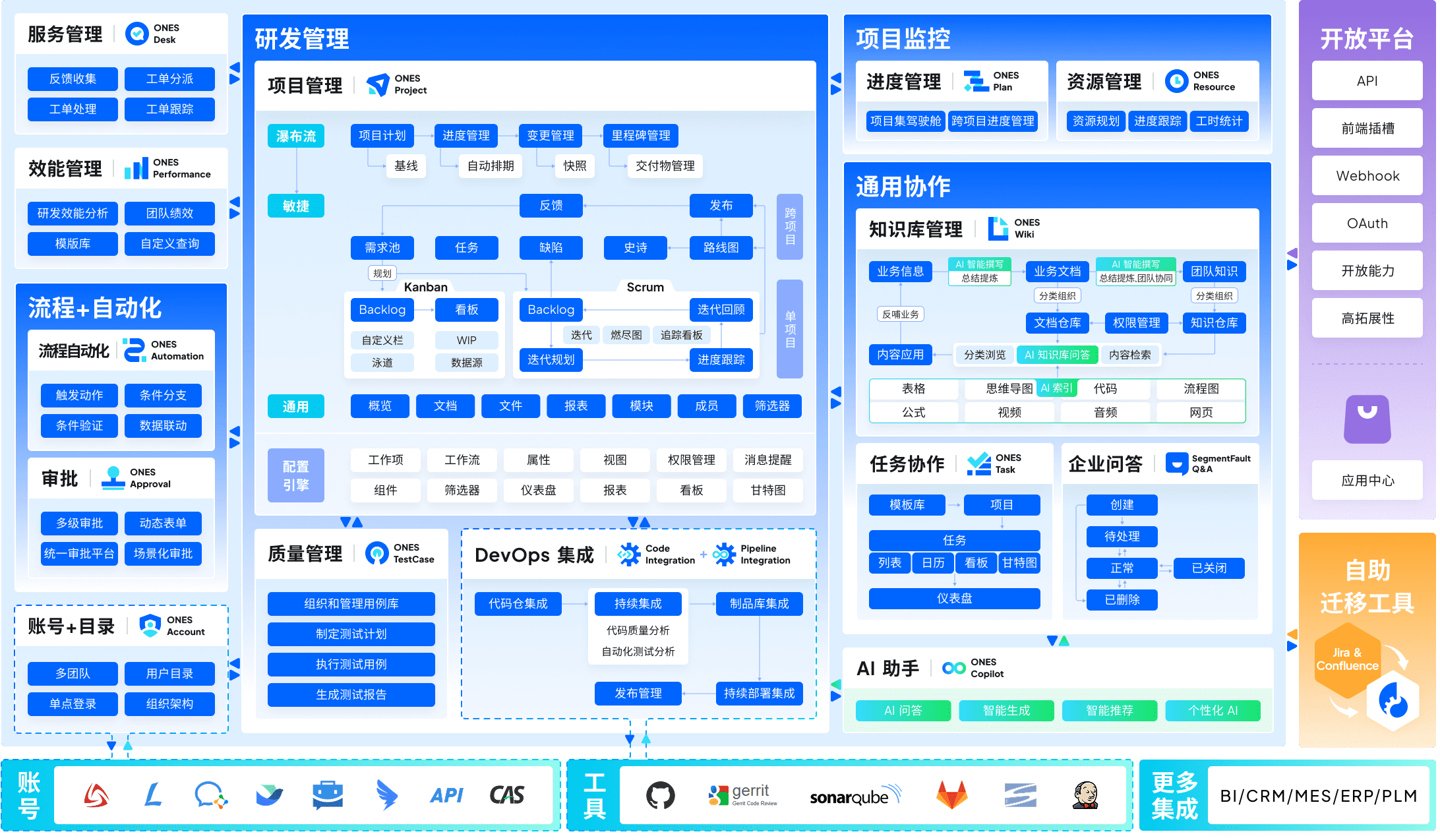
ONES serves as a comprehensive enterprise-level platform for managing the full software development lifecycle. Unlike point solutions that address single phases, it unifies project management, requirements tracking, knowledge bases, test management, CI/CD pipelines, and code repositories within one system.
The platform particularly suits organizations where tool sprawl has created visibility gaps between teams. Complex workflow configurations, granular permission models, and cross-team governance capabilities support environments with hundreds of contributors. Its emphasis on engineering efficiency metrics enables leaders to identify bottlenecks and guide improvement with actual delivery data rather than intuition.
Pricing: Contact for enterprise pricing
Best for: Mid-to-large engineering organizations (100+ developers) requiring unified R&D operations and measurable process improvement
2. Linear — Best for Velocity-Focused Engineering Teams
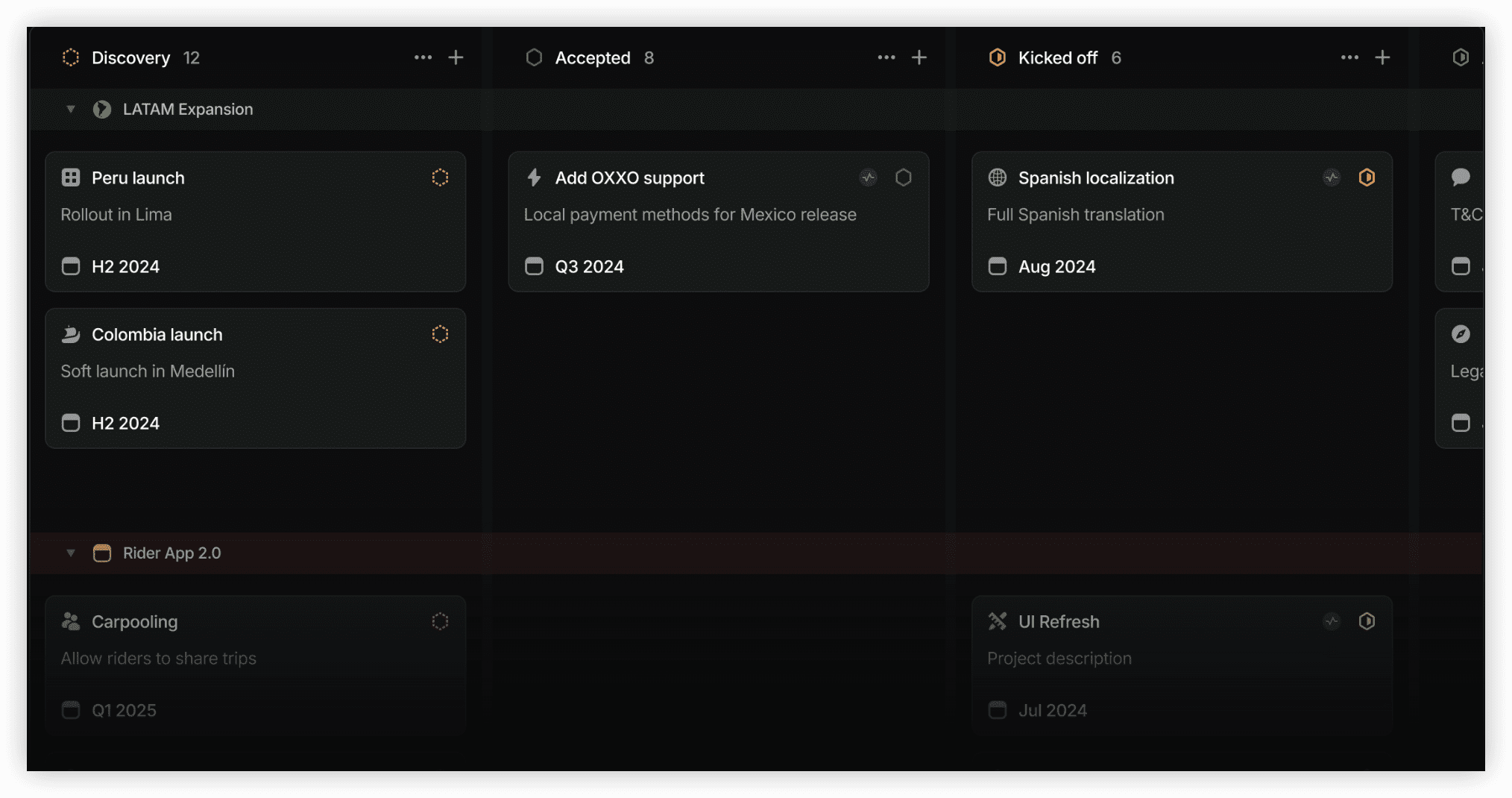
Linear reimagines issue tracking around raw speed. Every interaction—creating issues, applying filters, navigating boards—responds in under 100 milliseconds. The interface deliberately limits customization options in favor of opinionated workflows that reduce decision fatigue.
Standout capabilities: Sub-100ms response times, Cycles for sprint planning, automatic issue state changes via GitHub/GitLab integration, keyboard-driven navigation
Pricing: Free (250 issues) / $8/user/month / $14/user/month
Best for: Startups and mid-size engineering teams (5–100 developers) prioritizing execution speed over configurability
3. ClickUp — Best Unified Workspace
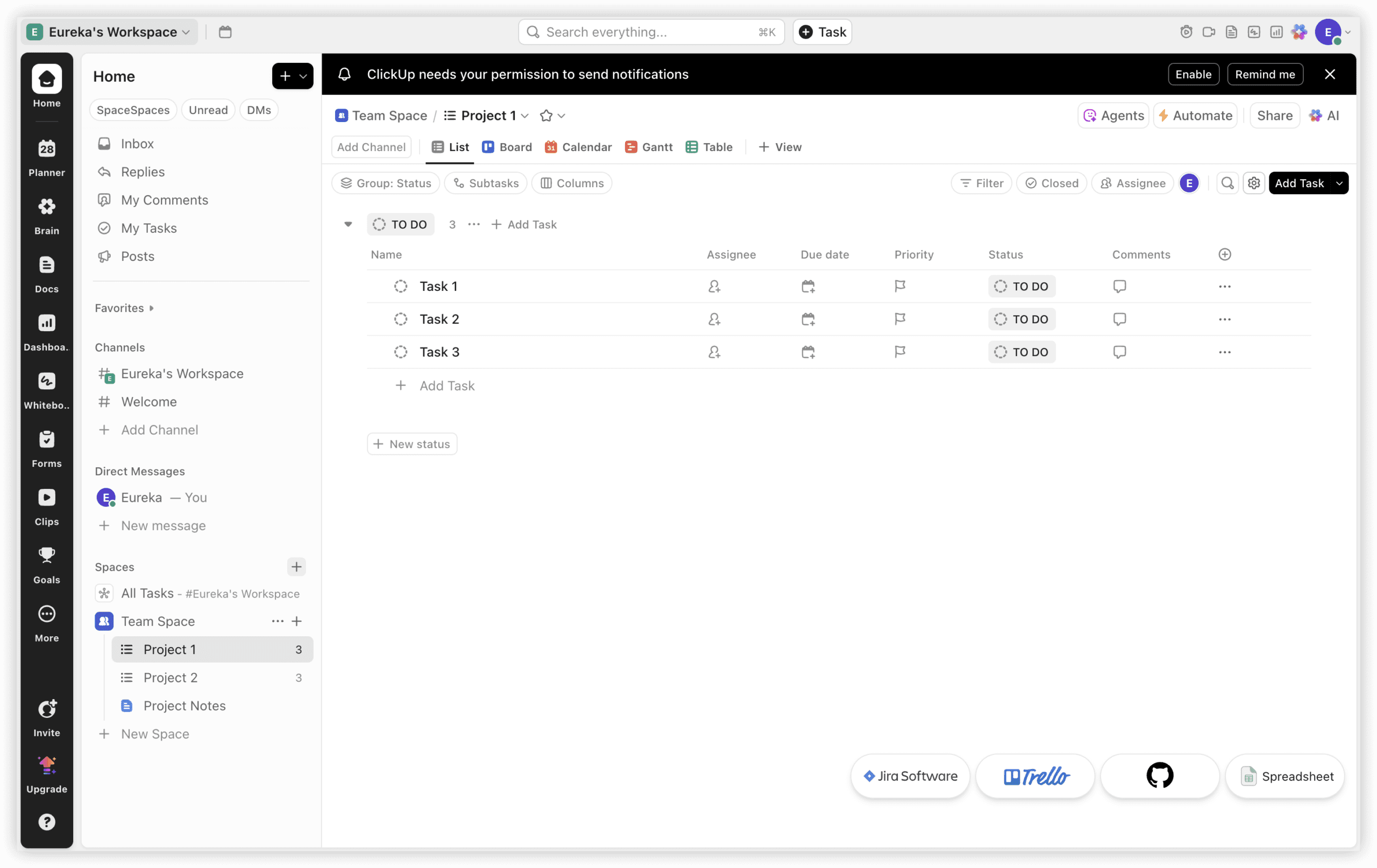
ClickUp consolidates documents, whiteboards, goals, time tracking, sprints, and dashboards beneath one subscription. The breadth appeals to organizations that currently maintain separate subscriptions for project management, documentation, and collaboration tools.
Standout capabilities: 15+ view types (Board, List, Gantt, Timeline, Workload), native document editing, built-in time tracking, competitive scaling pricing
Pricing: Free / $7/user/month / $12/user/month
Best for: Cross-functional teams and agencies seeking to replace multiple tool contracts with a single platform
4. Asana — Best for Marketing and Operations
Asana occupies the middle ground between Jira’s complexity and Trello’s simplicity. Its interface requires minimal technical background, enabling adoption across departments that do not speak in sprints and story points.
Standout capabilities: Portfolio view for multi-project oversight, no-code automation rules, robust integrations with HubSpot, Salesforce, and Slack
Pricing: Free (10 users) / $10.99/user/month / $24.99/user/month
Best for: Marketing teams, operations teams, and organizations where technical users represent a minority

5. Monday.com — Best for Visual Project Tracking
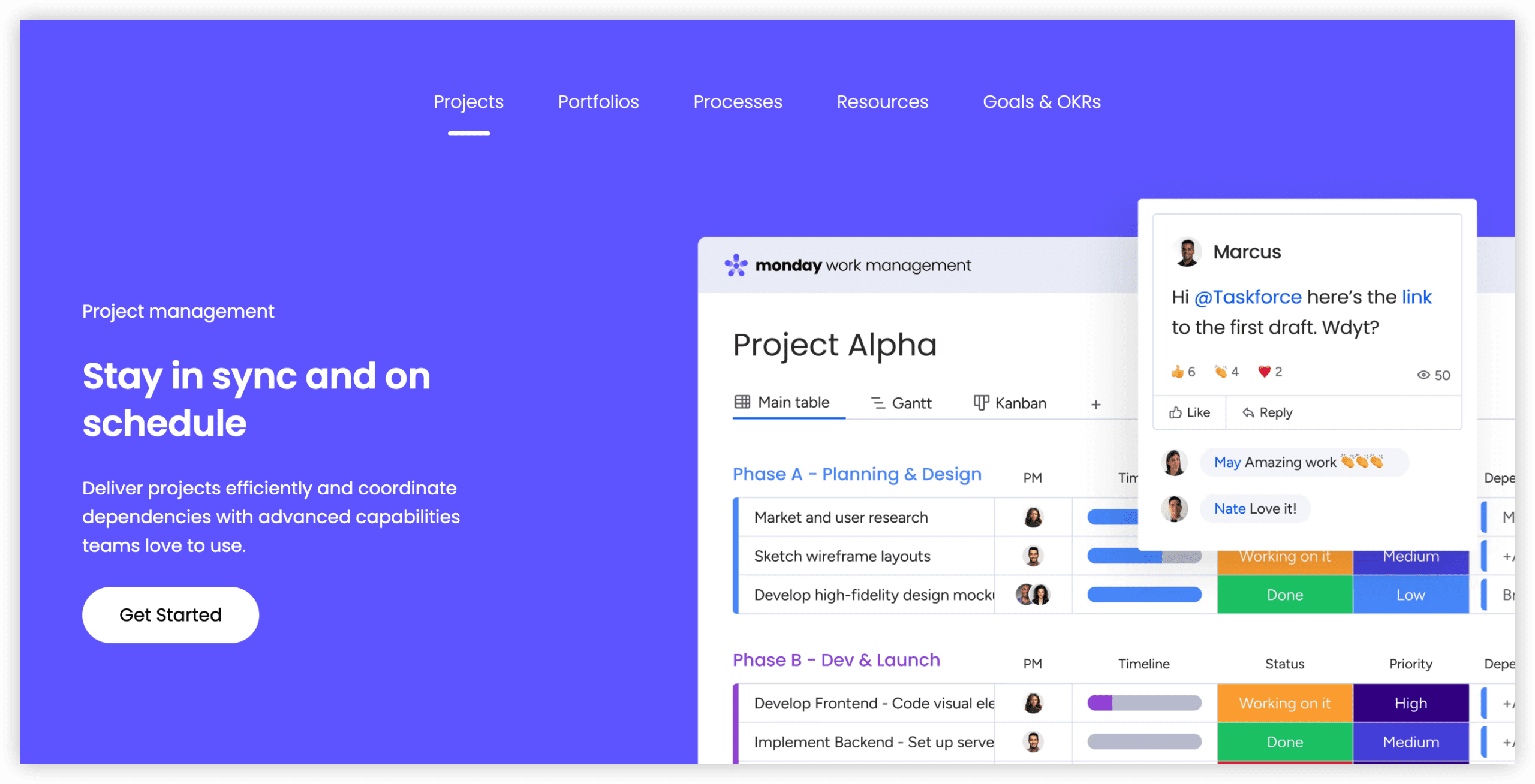
Monday.com presents project management through a colorful, column-based interface resembling an advanced spreadsheet. Non-technical stakeholders can construct custom workflows without administrator assistance.
Standout capabilities: Highly visual boards, intuitive customization, integrated CRM and development modules, 200+ automation templates
Pricing: Free (2 seats) / $9/seat/month / $12/seat/month / $19/seat/month
Best for: Teams requiring visual workflow representation and broad stakeholder participation without training overhead
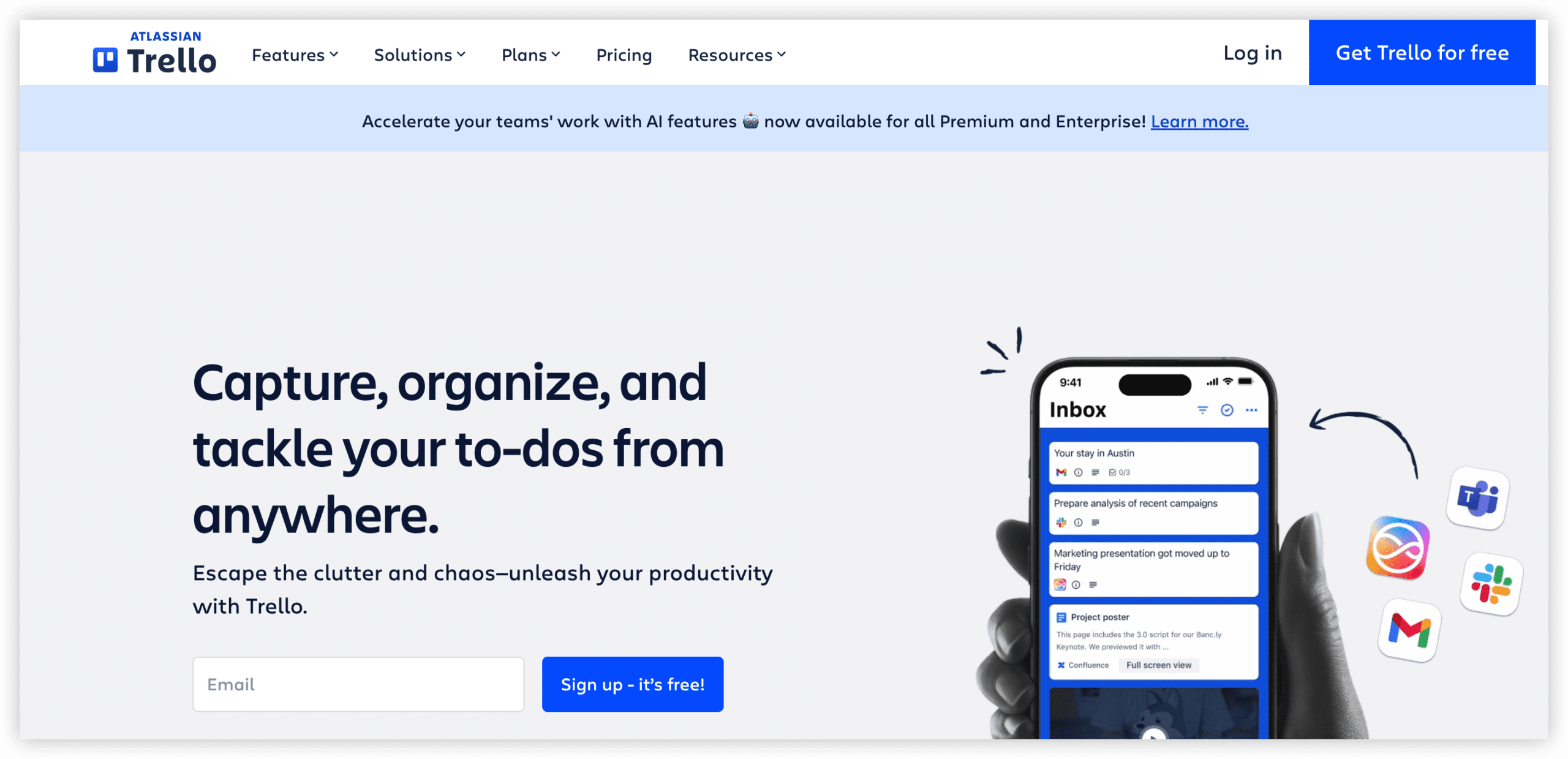
6. Trello — Best for Simple Kanban
Trello remains the most accessible entry point into visual task management. Now part of Atlassian’s product family, it functions as the lightweight counterpart to Jira’s comprehensive approach.
Standout capabilities: Immediate usability, generous free tier with unlimited cards, Power-Ups for extended functionality, Butler automation
Pricing: Free / $5/user/month / $10/user/month
Best for: Small teams, freelancers, and personal productivity use cases where complexity would obstruct rather than enable
7. Notion — Best for Documentation-First Workflows
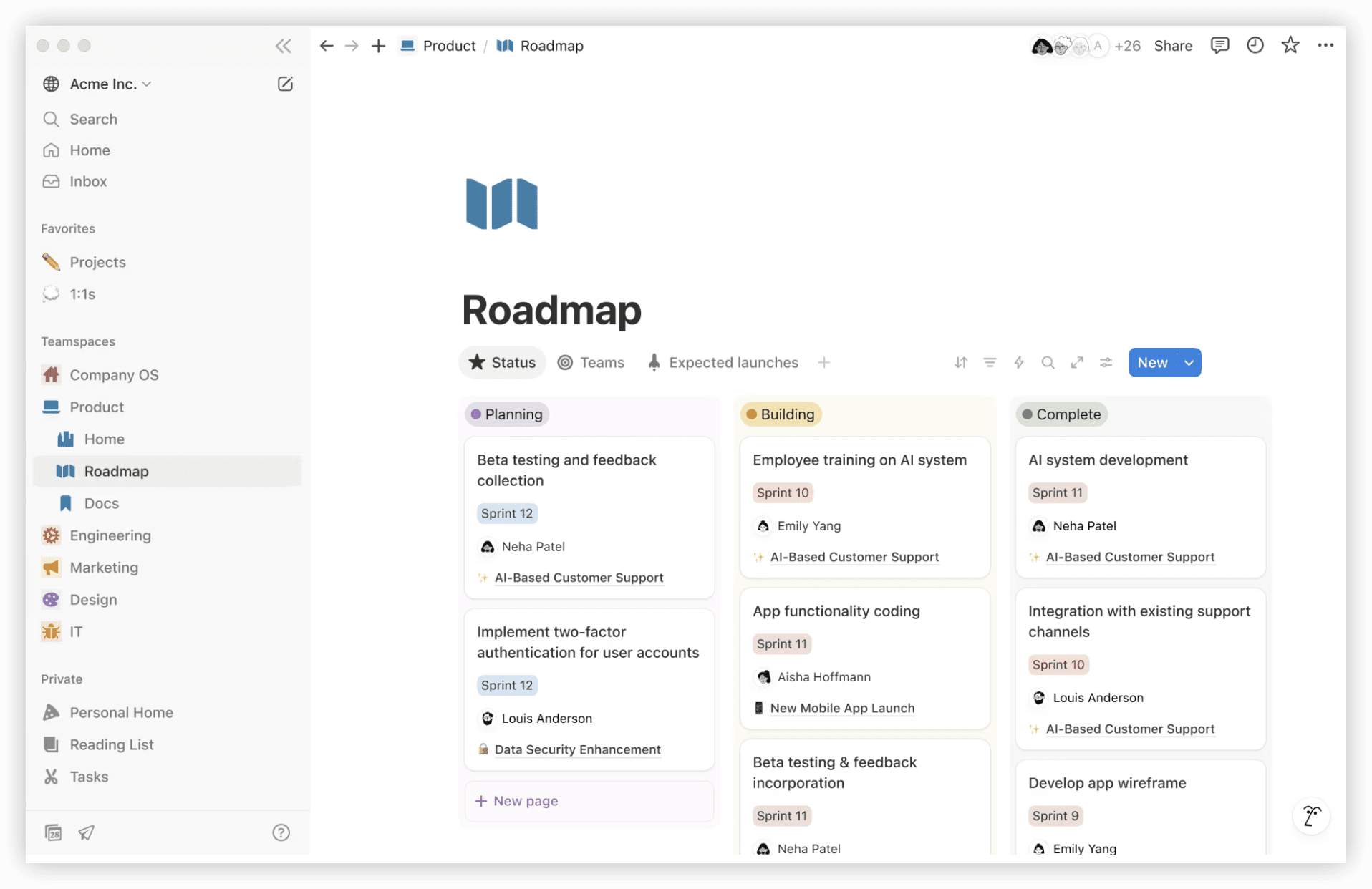
Notion combines documents, wikis, and databases into a flexible workspace where teams can construct custom project views. Its database functionality supports Kanban boards, tables, calendars, and timelines without dedicated project management software.
Standout capabilities: Unified documentation and task environment, extreme layout flexibility, AI-assisted search and summarization
Pricing: Free / $10/user/month / $18/user/month
Best for: Startups and knowledge-intensive teams wanting to consolidate documentation and lightweight project tracking
8. GitHub Projects — Best for GitHub-Native Teams
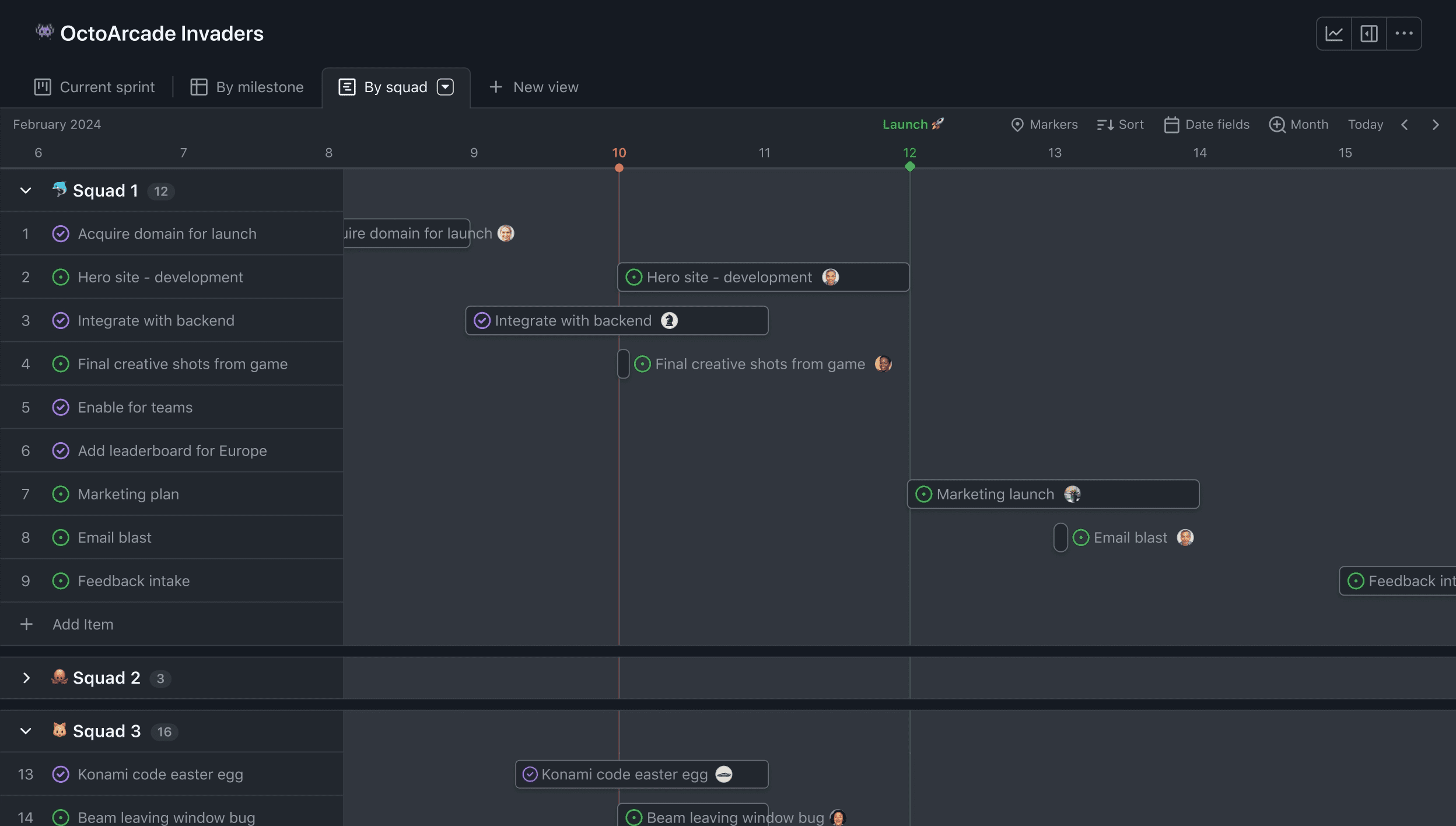
GitHub Projects has matured from a basic Kanban overlay into a legitimate project management layer with custom fields, multiple views, and roadmap visualization connected directly to pull requests and code changes.
Standout capabilities: Zero context switching for development work, no additional cost for open-source projects, automated workflows triggered by repository events
Pricing: Free / Included with GitHub Team ($4/user/month)
Best for: Development teams already centered in GitHub seeking to avoid introducing another tool into their workflow
Comparison Overview
| Platform | Free Tier | Starting Price | Primary Strength | Sprint Support |
|---|---|---|---|---|
| ONES | Contact sales | Enterprise pricing | Unified R&D lifecycle | ✅ |
| Linear | ✅ (250 issues) | $8/user/month | Engineering velocity | ✅ (Cycles) |
| ClickUp | ✅ | $7/user/month | All-in-one workspace | ✅ |
| Asana | ✅ (10 users) | $10.99/user/month | Marketing & operations | ❌ |
| Monday.com | ✅ (2 seats) | $9/seat/month | Visual workflows | ✅ (Dev product) |
| Trello | ✅ | $5/user/month | Simple Kanban | ❌ |
| Notion | ✅ | $10/user/month | Docs + tasks unified | ❌ (custom build) |
| GitHub Projects | ✅ | $4/user/month | GitHub integration | ❌ (Iterations) |
Selection Guidance
Consider these match points when narrowing your options:
- Enterprise R&D unification: ONES when tool consolidation and cross-team governance matter more than individual feature depth.
- Speed above all: Linear for engineering teams that measure productivity in issue resolution velocity.
- Reduce tool count: ClickUp or Notion to replace separate contracts for project management, documentation, and collaboration.
- Non-technical majority: Asana or Monday.com for interfaces that require minimal onboarding.
- Minimal overhead: Trello when task visualization suffices and complexity would impede adoption.
- GitHub-centric workflow: GitHub Projects to eliminate context switching entirely.
Frequently Asked Questions
Which Jira alternative suits large engineering organizations best?
Organizations with complex multi-team coordination requirements and existing tool fragmentation typically benefit most from platforms designed for enterprise R&D management. Evaluate whether a candidate supports your specific governance, compliance, and reporting needs before committing.
Do free tiers provide sufficient functionality for small teams?
Most platforms listed offer genuinely usable free tiers for small teams. Linear’s 250-issue limit, Trello’s unlimited cards, and GitHub Projects’ full feature set for public repositories demonstrate that cost-free evaluation is feasible. Scale limitations usually appear around team size, advanced reporting, or administrative controls.
How should teams approach migration from Jira?
Begin by auditing which Jira features your teams actively use versus which remain configured but ignored. Map critical workflows to candidate platforms through trial implementations with one or two teams before organization-wide rollout. Preserve Jira access during transition to prevent productivity disruption.
What differentiates developer-focused tools from generalist platforms?
Developer-focused tools typically offer deeper code repository integration, automated issue state transitions based on commit activity, and terminology aligned with software delivery (epics, sprints, releases). Generalist platforms prioritize cross-departmental accessibility over engineering-specific optimizations.
Last reviewed and updated: April 26, 2026
Pricing and feature details subject to change. Consult official product websites for current information.