



Enterprise teams evaluating Confluence replacements in 2026 have seven viable options to consider. This guide covers: ONES, Notion, Slite, Nuclino, GitBook, Coda (Superhuman Docs), and Outline — each positioned for different organizational needs, from full-scale engineering management to lightweight documentation.
Why Teams Are Reconsidering Confluence in 2026
Two policy shifts from Atlassian in late 2025 accelerated the search for alternatives. A cloud pricing adjustment on October 15, 2025, raised Standard plan costs by approximately 5% and Premium by roughly 7.5%. More significantly, Atlassian transitioned all monthly subscriptions to maximum quantity billing: invoices reflect the highest active user count at any point during the billing cycle, not the closing headcount. Temporary staff additions — contractors for a two-week sprint, seasonal contributors — become full-month charges regardless of actual duration.
The reception for Rovo, Atlassian’s AI layer, added further uncertainty. Despite expectations that it would resolve persistent search and content decay issues, Rovo operates on a metered credit system: 25 credits per user monthly on Standard, with single chat requests consuming 10 credits. The result is uneven answer quality within constrained usage limits.
For organizations with variable team sizes or those seeking more predictable cost structures, 2026 represents a practical inflection point for migration.
1. ONES — Enterprise-Grade Engineering Management Platform
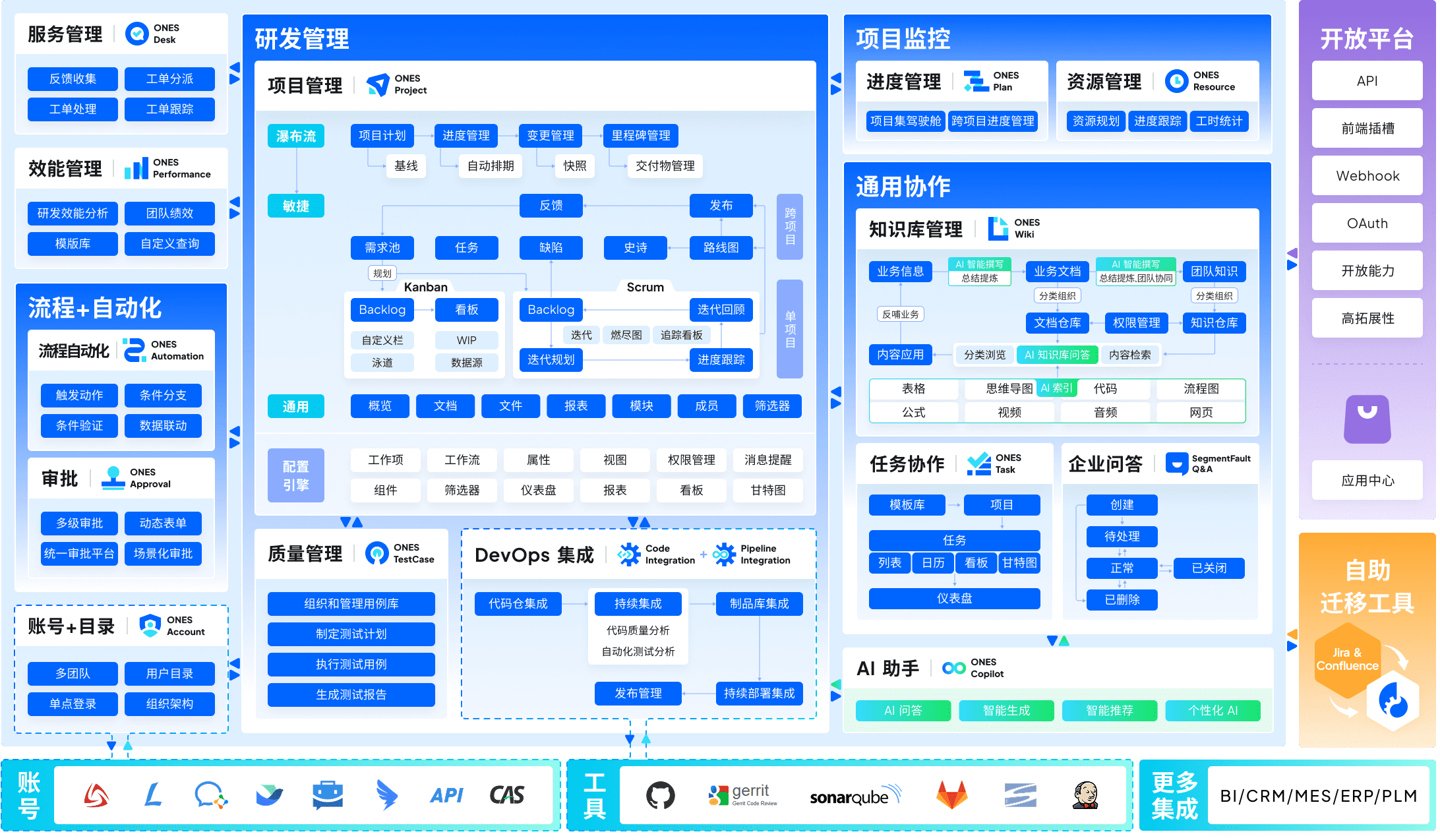
ONES occupies a distinct position among Confluence alternatives: it is not merely a documentation tool but a unified engineering management platform that integrates knowledge management within a broader delivery context.
Core differentiation from Confluence: ONES delivers end-to-end coverage spanning project management, requirements tracking, knowledge repositories, test management, CI/CD pipelines, and code management within a single system. This eliminates the fragmentation common when teams stitch together separate tools for planning, documentation, and delivery. For organizations where knowledge lives alongside code and operational workflows, the integration depth matters more than standalone wiki capabilities.
The platform is architected for organizational complexity: configurable workflow engines, granular permission models, and cross-team governance structures that accommodate multiple departments with divergent processes. Its emphasis on engineering metrics — cycle time, deployment frequency, quality indicators — enables data-informed improvement rather than intuition-based management.
Best suited for: Mid-to-large engineering organizations, technology enterprises, and regulated industries requiring traceability from requirements through deployment with unified documentation and process governance.
Pricing: Enterprise-tier pricing based on deployment scale and module configuration; contact ONES for organization-specific quotes.
2. Notion — Flexible Workspace for Cross-Functional Teams
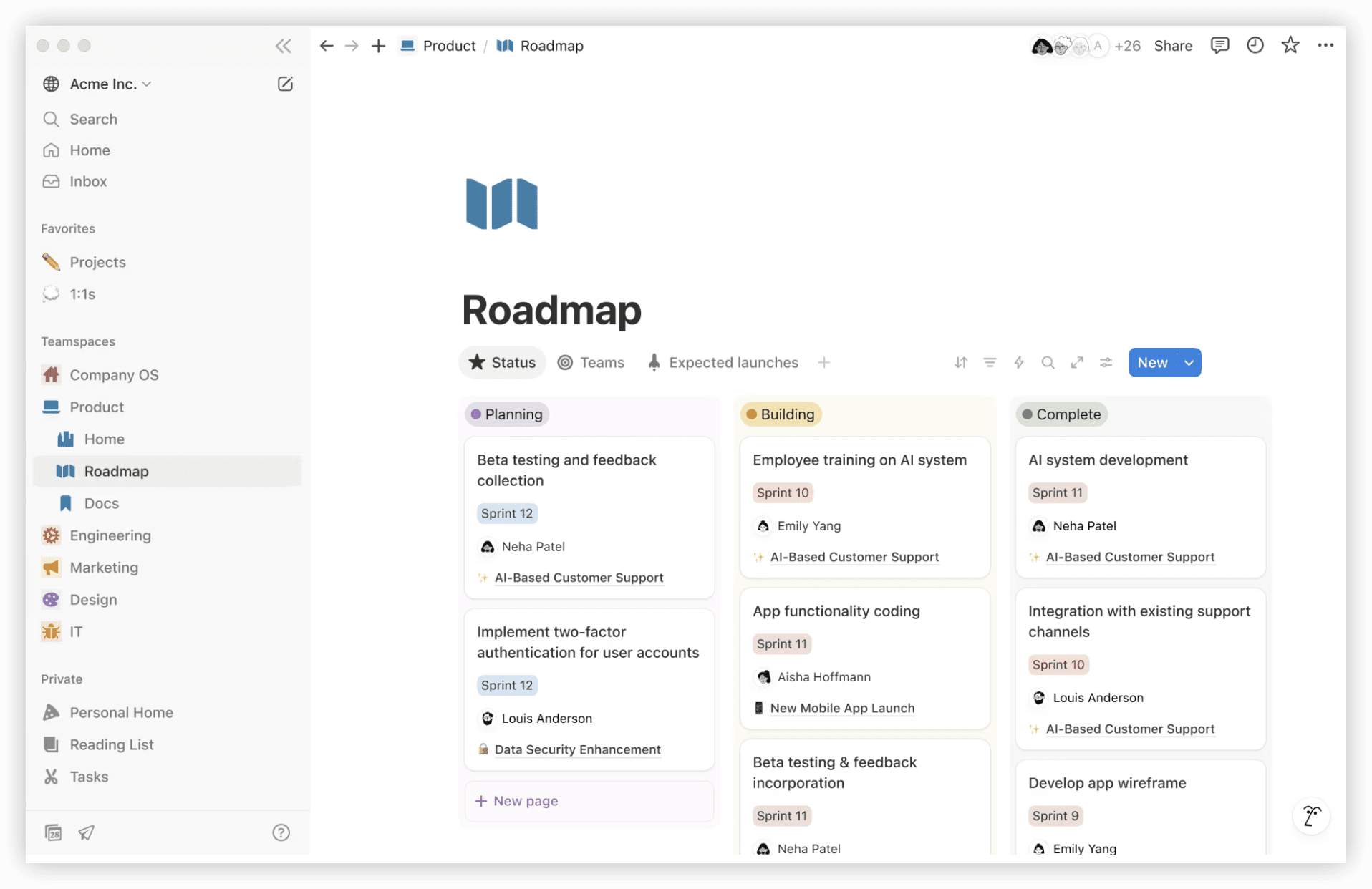
Notion has established itself as a standard alternative for teams seeking a single environment that accommodates documentation, databases, and lightweight operational tracking without rigid structural constraints.
Core differentiation from Confluence: Notion’s block-based architecture permits a single page to function as prose, structured data, or an interactive mini-application. This flexibility enables rapid adaptation to diverse use cases — product specs, sprint planning, candidate tracking — without platform switching. AI search cites source pages directly, addressing attribution concerns. The trade-off is governance: without disciplined template standards, workspaces can fragment into inconsistent structures.
Best suited for: Teams requiring one unified environment for documentation, knowledge bases, and flexible project tracking, particularly where non-technical contributors need low-friction participation.
Pricing: Free for individual use; Plus at $10/member/month, Business at $20/member/month (annual billing). Full AI capabilities and Notion Agent reside on Business tier.
3. Slite — AI-Native Knowledge Base with Content Verification
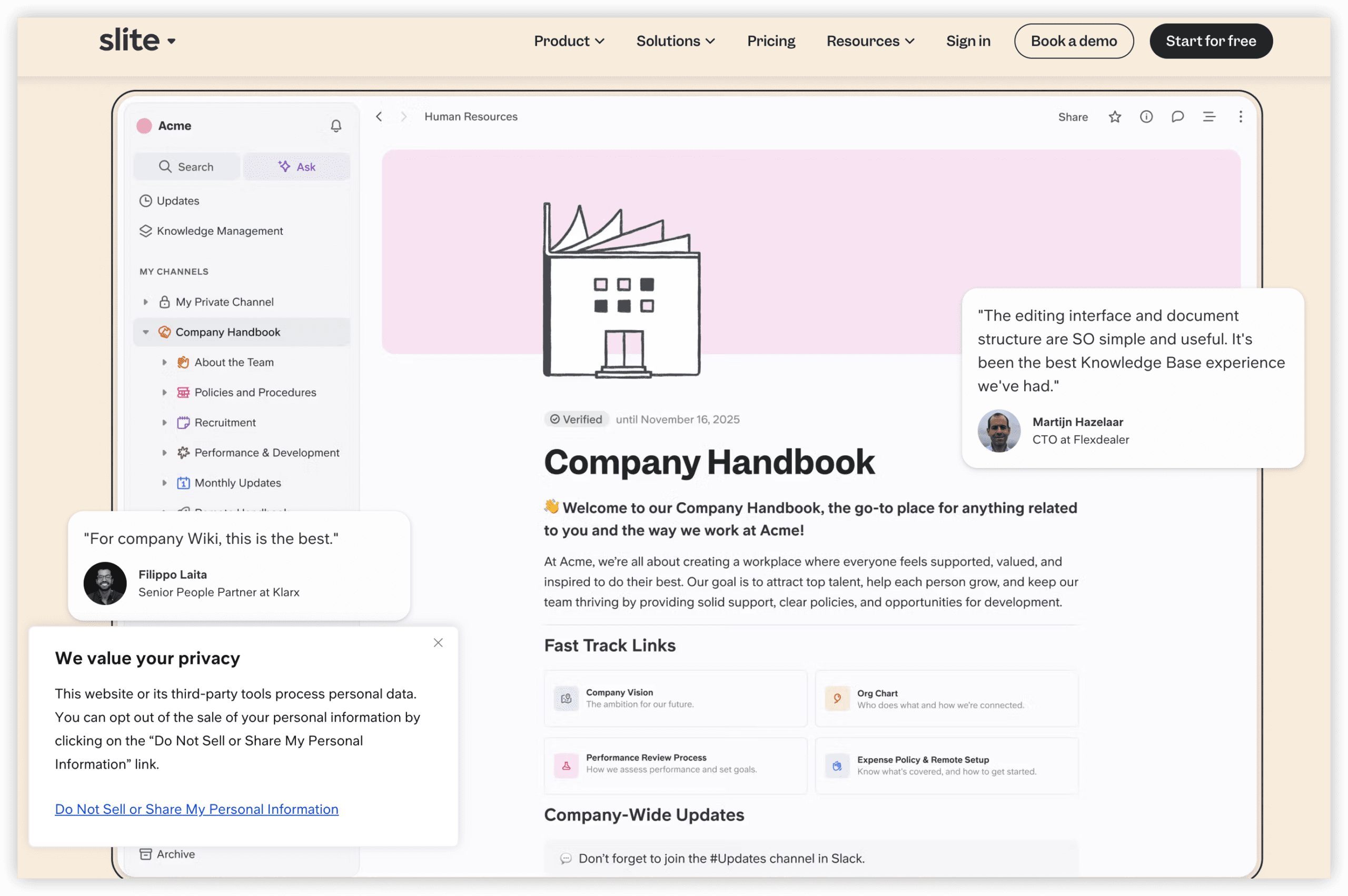
Slite addresses the two most frequently cited Confluence deficiencies directly: search reliability and content currency. Its architecture is deliberately opinionated rather than extensible, prioritizing discoverability and trust over customization breadth.
Core differentiation from Confluence: The “Ask” feature provides cited answers from the knowledge base rather than keyword-matched page lists, and document verification workflows flag material that may have become outdated. AI search is included at the entry paid tier without credit metering. The absence of macro ecosystems and plugin marketplaces reduces administrative surface area.
Best suited for: Organizations where the critical requirement is ensuring stakeholders find accurate, current information efficiently rather than building elaborate page structures.
Pricing: Free for small teams; Standard at $8/member/month (includes AI Ask); Premium at $12.50/member/month adds API access and SSO.
4. Nuclino — Minimal-Friction Team Wiki
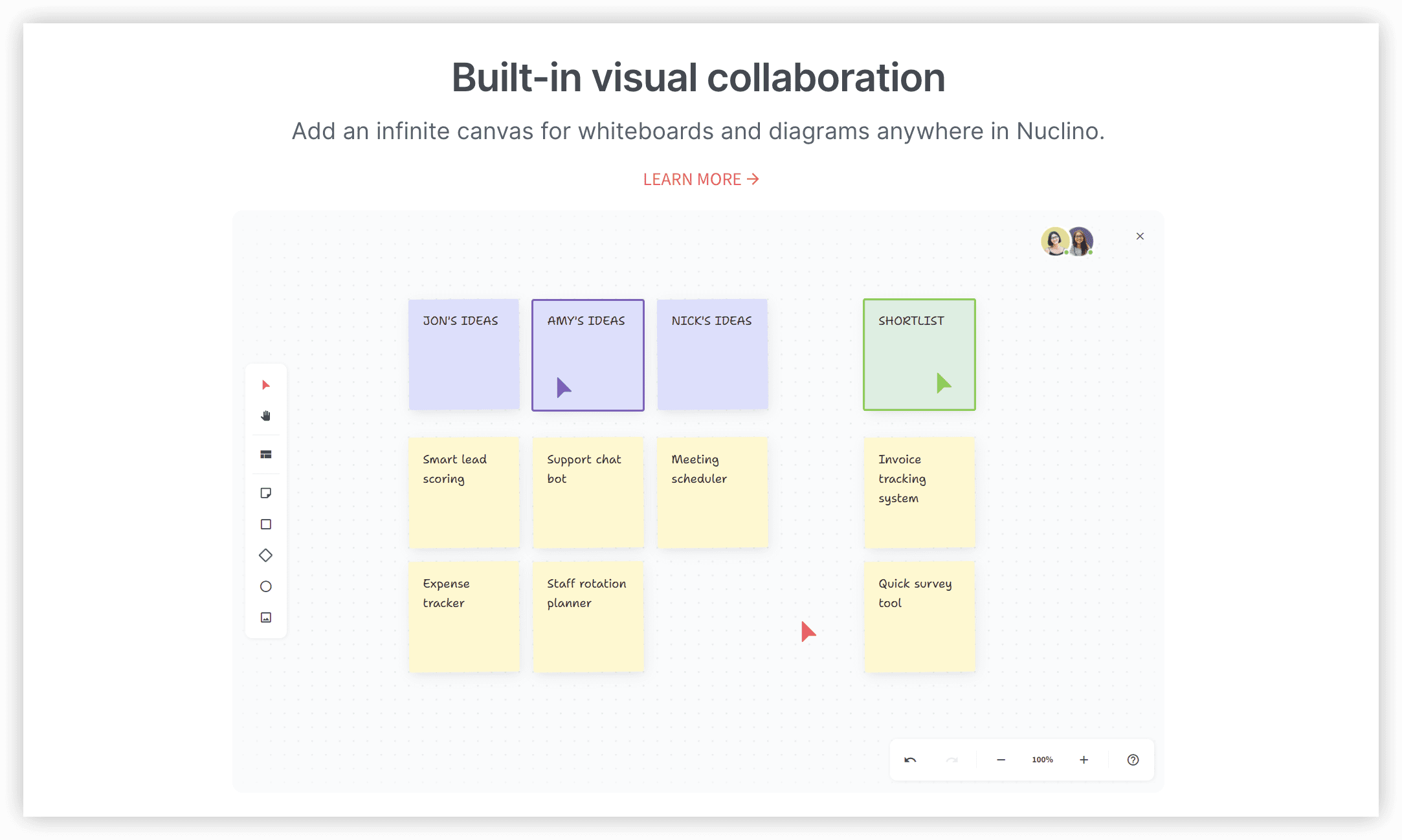
Nuclino represents the streamlined migration path for teams overwhelmed by Confluence’s operational weight. The emphasis is on immediate utility with near-zero administrative overhead.
Core differentiation from Confluence: Performance and simplicity dominate the experience — minimal setup, negligible page load latency, and an editor that requires no training. Graph and board views provide structural alternatives to hierarchical page trees. It does not aspire to project portfolio management, but for documentation under approximately 50 contributors, the operational cost is substantially lower.
Best suited for: Small-to-mid-sized teams seeking rapid deployment of an internal wiki without dedicated platform administration resources.
Pricing: Free tier available; Starter at $6/user/month, Business at $10/user/month (includes Sidekick AI assistant).
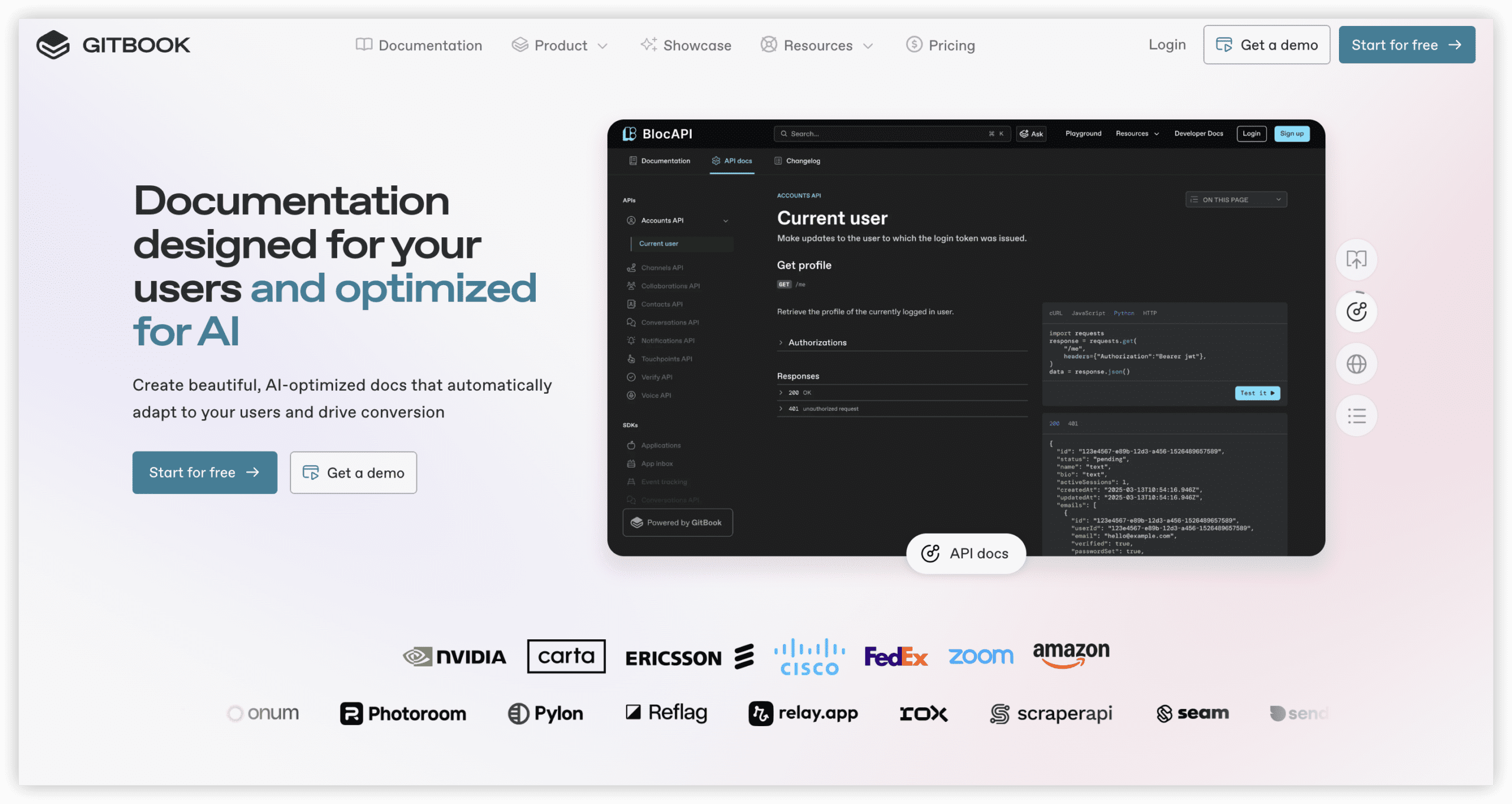
5. GitBook — Documentation-as-Code for Engineering Teams
GitBook serves a specialized function: technical documentation, API references, and public-facing developer portals where version control integration is non-negotiable.
Core differentiation from Confluence: Documentation is treated as code — Git-style branching, review workflows, and bidirectional GitHub synchronization place docs adjacent to source repositories. This alignment is structurally preferable for engineering workflows that Confluence accommodates awkwardly. Pricing structure requires attention: a per-site base fee plus per-user charges produces different cost mathematics than pure seat-based models.
Best suited for: Engineering organizations publishing product documentation, API specifications, or developer-facing portals where version control integration is essential.
Pricing: Free for personal and open-source use; Premium from $65/site/month plus $12/user; AI features unlock at Ultimate tier.
6. Coda (Superhuman Docs) — Interactive Documents with Asymmetric Pricing
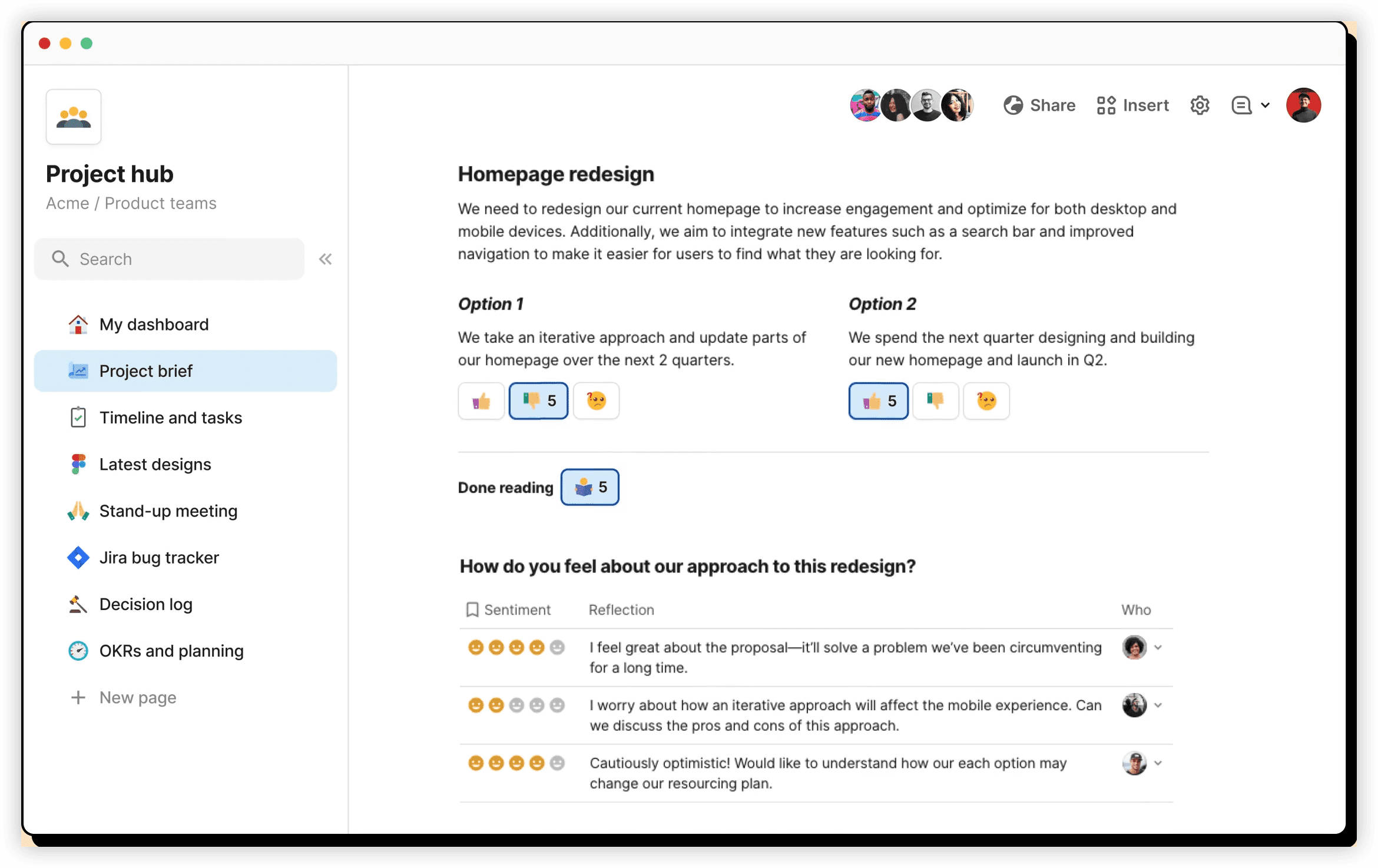
Coda, now branded as Superhuman Docs following its acquisition, offers a distinctive economic model that directly counters maximum quantity billing concerns. The platform merges document and spreadsheet paradigms, enabling single documents to contain tables, interactive elements, and automation logic.
Core differentiation from Confluence: The “makers pay, viewers free” structure inverts conventional seat economics: a 200-person organization where 20 individuals create documents and 180 consume them pays for 20 licenses rather than 200. This is a structural answer to peak-user billing. The complexity trade-off is real — Coda documents can function as applications, requiring greater construction skill than conventional wikis.
Best suited for: Large organizations with substantial read-only populations and limited document creators, or teams requiring interactive, data-connected documentation.
Pricing: Free tier available; Team plan from $30/maker/month (annual). Viewers and non-creating editors incur no charge.
7. Outline — Self-Hosted Knowledge Base with Data Sovereignty
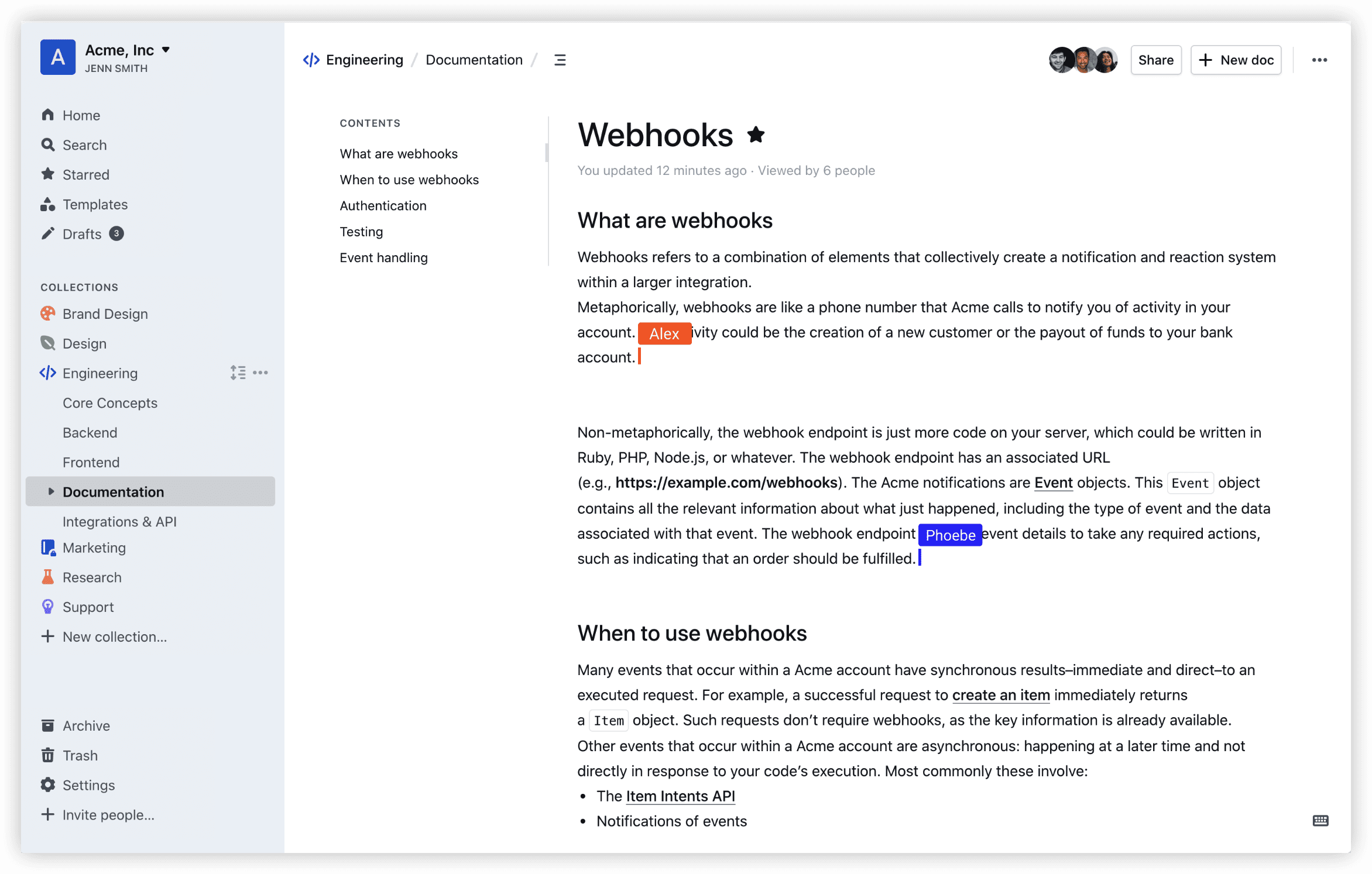
Outline provides the escape mechanism that proprietary SaaS platforms cannot: complete infrastructure control through source-available deployment.
Core differentiation from Confluence: Self-hosted installations eliminate per-seat billing entirely — operational costs reduce to server infrastructure, frequently under $15/month total regardless of user count. For organizations with compliance requirements or cost sensitivity to user fluctuations, this is the most direct path around maximum quantity billing. The hosted cloud alternative offers a conventional per-user model for teams preferring managed service. Scope is intentionally narrow: polished wiki functionality without project management expansion.
Best suited for: Technically capable teams prioritizing data ownership, compliance control, or predictable infrastructure costs over managed convenience.
Pricing: Self-hosted at no license cost (server infrastructure only); Outline Cloud Team plan at $19/user/month.
Comparative Summary
| Platform | Primary Use Case | AI Search | Self-Host Option | Entry Paid Price |
|---|---|---|---|---|
| ONES | Enterprise engineering management | Integrated | Enterprise deployment | Custom (enterprise) |
| Notion | All-in-one workspace | Yes (Business tier) | No | $10/member/month |
| Slite | AI-native company wiki | Yes (Standard tier) | No | $8/member/month |
| Nuclino | Lightweight team wiki | Yes (Business tier) | No | $6/user/month |
| GitBook | Developer documentation | Yes (Ultimate tier) | No | $65/site + $12/user |
| Coda | Interactive docs, asymmetric billing | Yes | No | $30/maker/month |
| Outline | Data-sovereign wiki | Limited | Yes | Free self-host / $19/user cloud |
Selection Framework
The appropriate replacement depends on organizational context rather than feature checklists:
- Engineering-centric organizations with delivery complexity should evaluate ONES for its unified pipeline-to-documentation integration and governance depth.
- Teams prioritizing cost predictability with large read-only populations should examine Coda’s maker-viewer split or Outline’s self-hosting path.
- Organizations where search trust and content freshness are paramount should assess Slite’s verification workflows.
- Technical documentation teams with version control requirements should consider GitBook’s code-adjacent model.
- Teams seeking maximum flexibility with acceptable governance discipline should review Notion’s workspace consolidation.
- Small teams requiring immediate deployment without administration should examine Nuclino’s streamlined approach.
Frequently Asked Questions
What drove the acceleration of Confluence migrations in 2026?
The October 2025 pricing adjustment combined with maximum quantity billing implementation altered cost predictability. Organizations with variable staffing — contractors, seasonal contributors, project-based hiring — face disproportionate impacts when peak headcount determines monthly charges regardless of actual duration of access.
How does maximum quantity billing function?
Atlassian’s monthly billing model calculates charges based on the highest number of active users at any point during the billing period. A contractor activated mid-month for a two-week engagement generates a full-month charge for that seat, even if deactivated before period end.
Which alternative most closely parallels Confluence’s core wiki functionality?
For general team knowledge bases, Slite and Notion represent the most common migrations — Slite when AI-assisted search and content verification are priorities, Notion when workspace flexibility and database integration matter. Engineering documentation teams more frequently select GitBook for its version control alignment.
What strategies exist to eliminate per-seat pricing exposure?
Self-hosting an open-source platform like Outline removes per-user charges entirely, with costs limited to infrastructure. Alternatively, asymmetric pricing models such as Coda’s maker-viewer structure ensure read-only participants do not consume licensed seats.
When should an organization consider ONES over standalone documentation tools?
When documentation requirements are inseparable from delivery workflows — requirements traceability, test coverage linkage, release coordination — a unified platform reduces integration overhead and data fragmentation. ONES serves this integration need more directly than tools positioned purely as knowledge repositories.